Build a documentation landing page
Outcome: A new reader can get started, browse by topic, and find help without reading a long undifferentiated index.
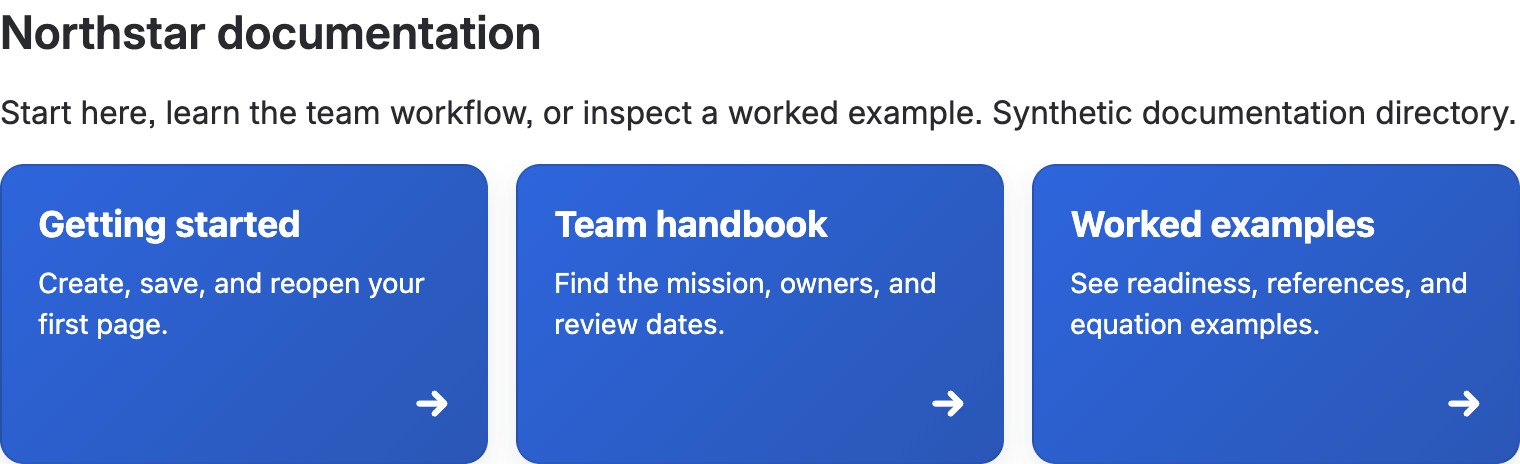
A completed Navigation directory section on the development site, using synthetic content and real guide/example destinations. It was built in a blank private draft, saved, reviewed in Confluence, then explicitly published; it is not a screenshot of the Knowledge base homepage template.
Use the shipped Knowledge base homepage template for a docs home, or Documentation page for one guide. Navigation directory suits a larger set of links; Resource hub groups resources into tabbed categories. Both are shipped Section Patterns. If everyone must see instructions at once, prefer native headings and links over Tabs.
- In Better Pages home, preview Knowledge base homepage and create a private draft in your documentation space.
- Replace prompts with a start-here path, common tasks, topic owners, and support destination. Keep link labels descriptive.
- In Composer, add Navigation directory for a broad index or Resource hub for a few meaningful categories. Preview every linked card and tab before adding it to the canvas.
- Save, reopen, and follow each major path as a new reader would. Publish only after checking access to linked pages.
Finished-page check: The first useful guide should be reachable without guessing a category. Do not put critical help only in a hidden tab. Check navigation by keyboard and on a narrow browser width.