(Deprecated) Usage (for version older than 4.0.0)
Watch the video LaTeX for Confluence
Page Title
Section titled “Page Title”For Page Title, inline LaTex must be wrapped inside //(...//) and LaTex block must be wrapped inside //[...//].


Page Content
Section titled “Page Content”Using GUI
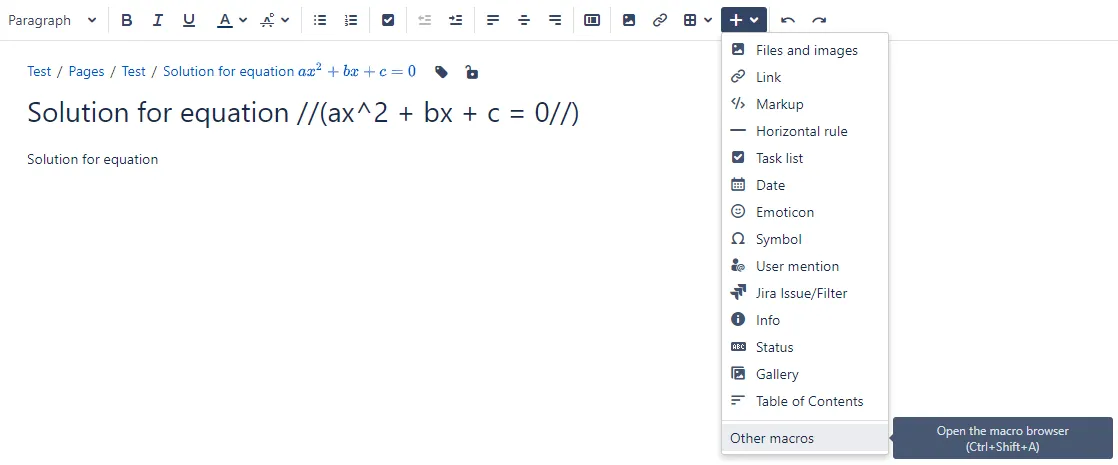
Section titled “Using GUI”Open the macro browser.
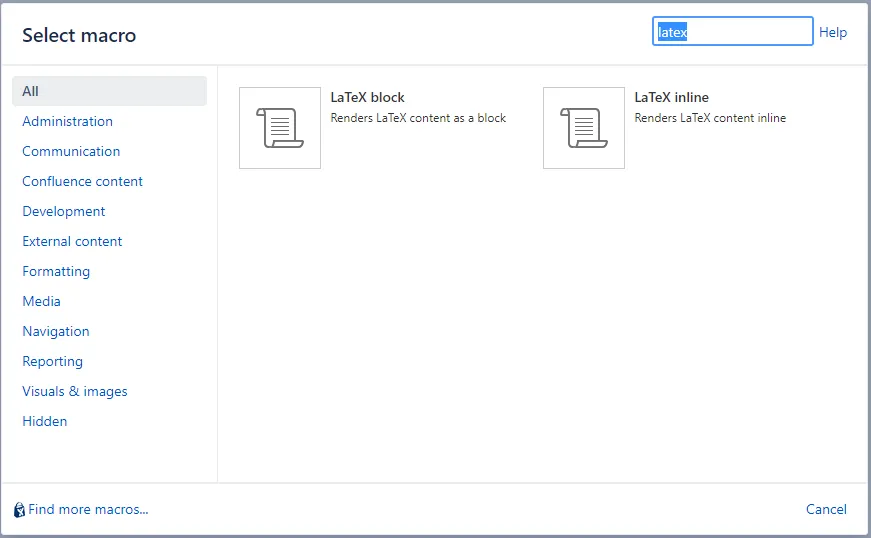
Select the macro you want to use.
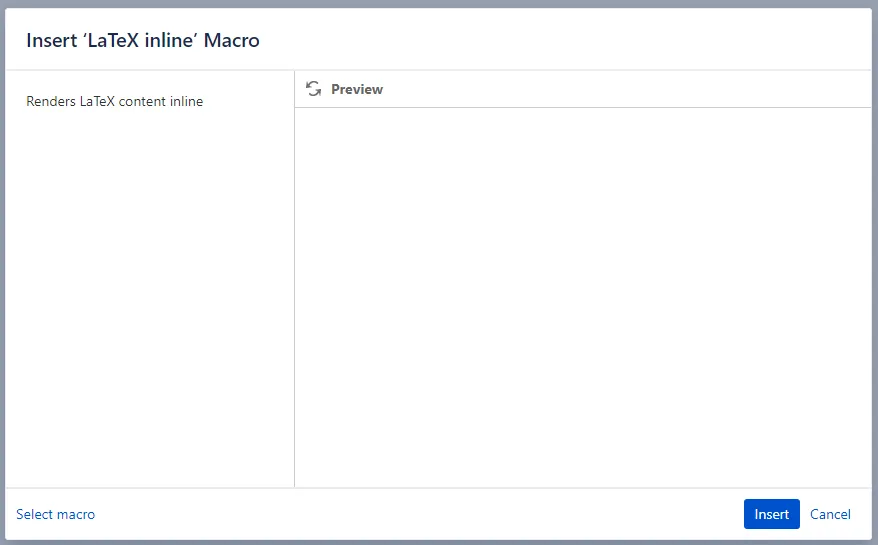
Select Insert.
Provide the LaTeX content.
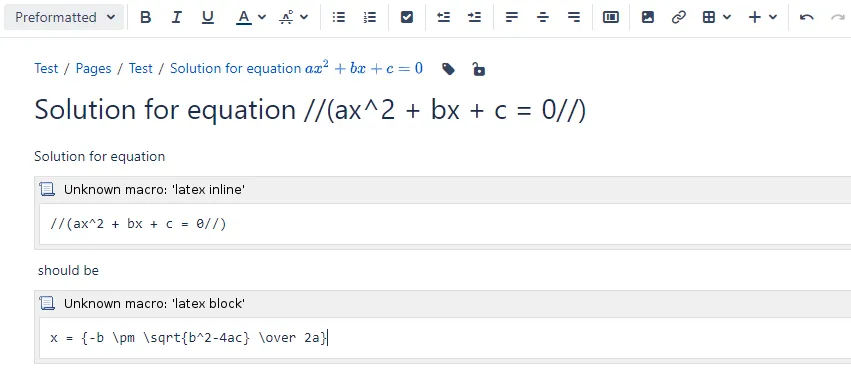
Save the page content.
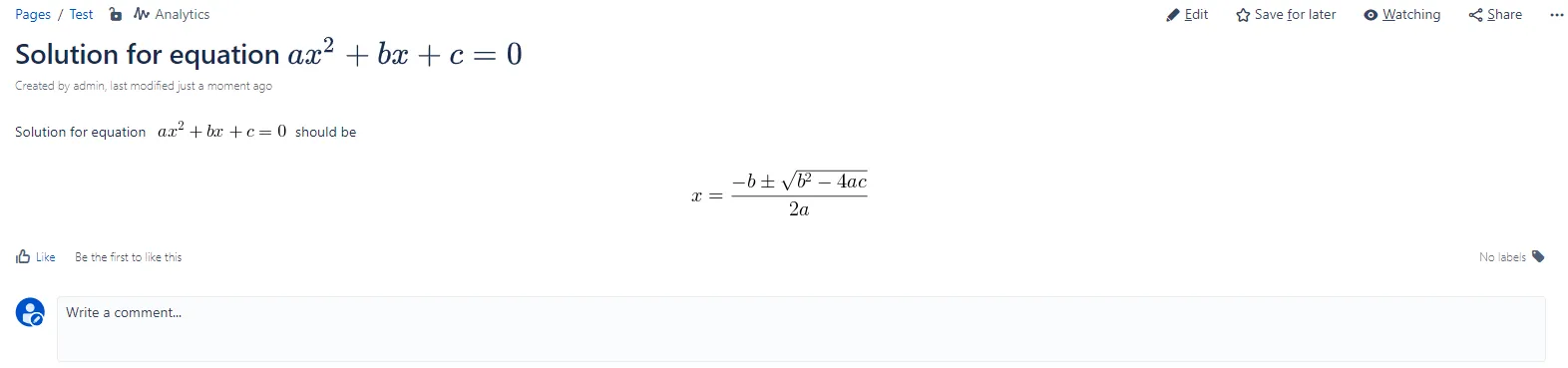
Using markup
Section titled “Using markup”Macros can also be inserted quickly by typing {.
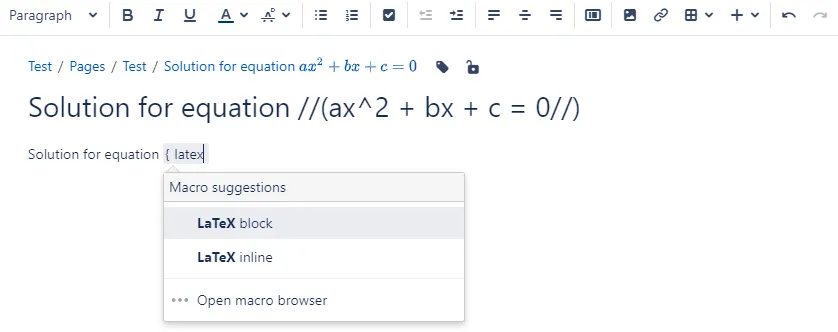
Comment
Section titled “Comment”You can write LaTeX content in comments in similar ways.
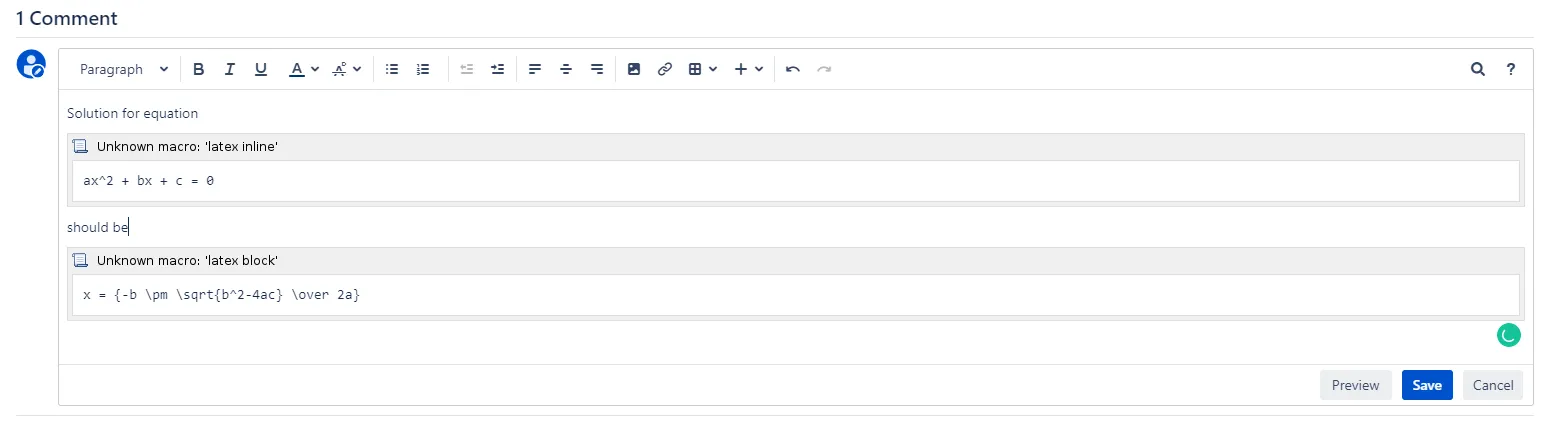
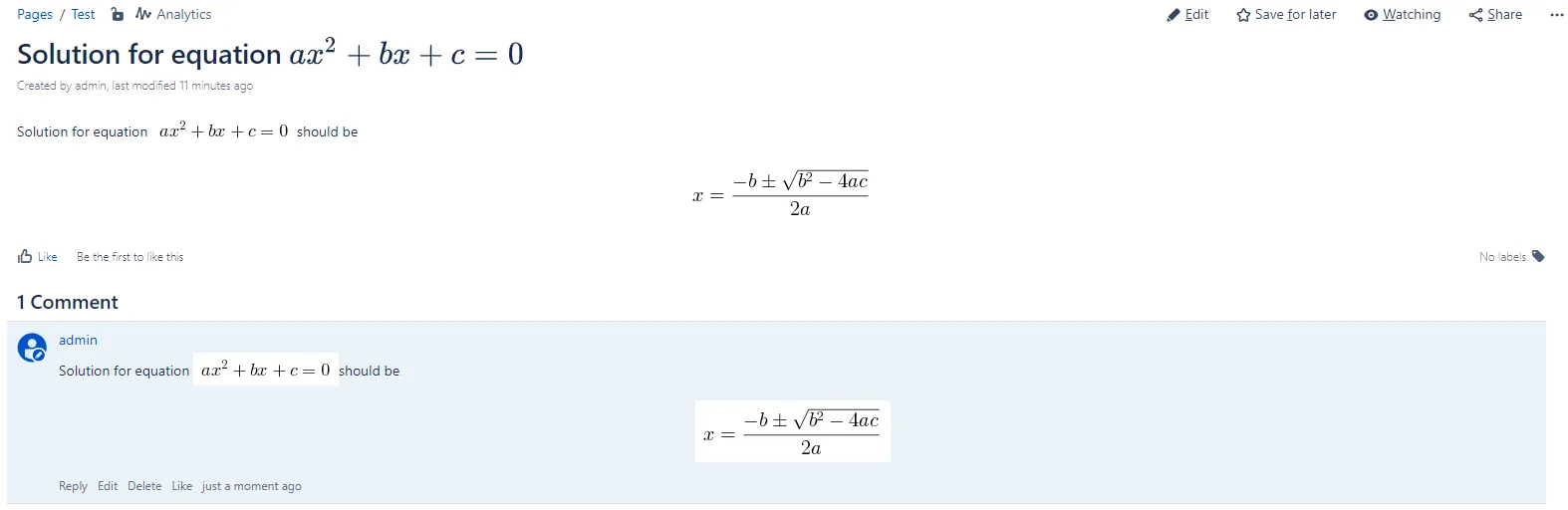
Math Editor
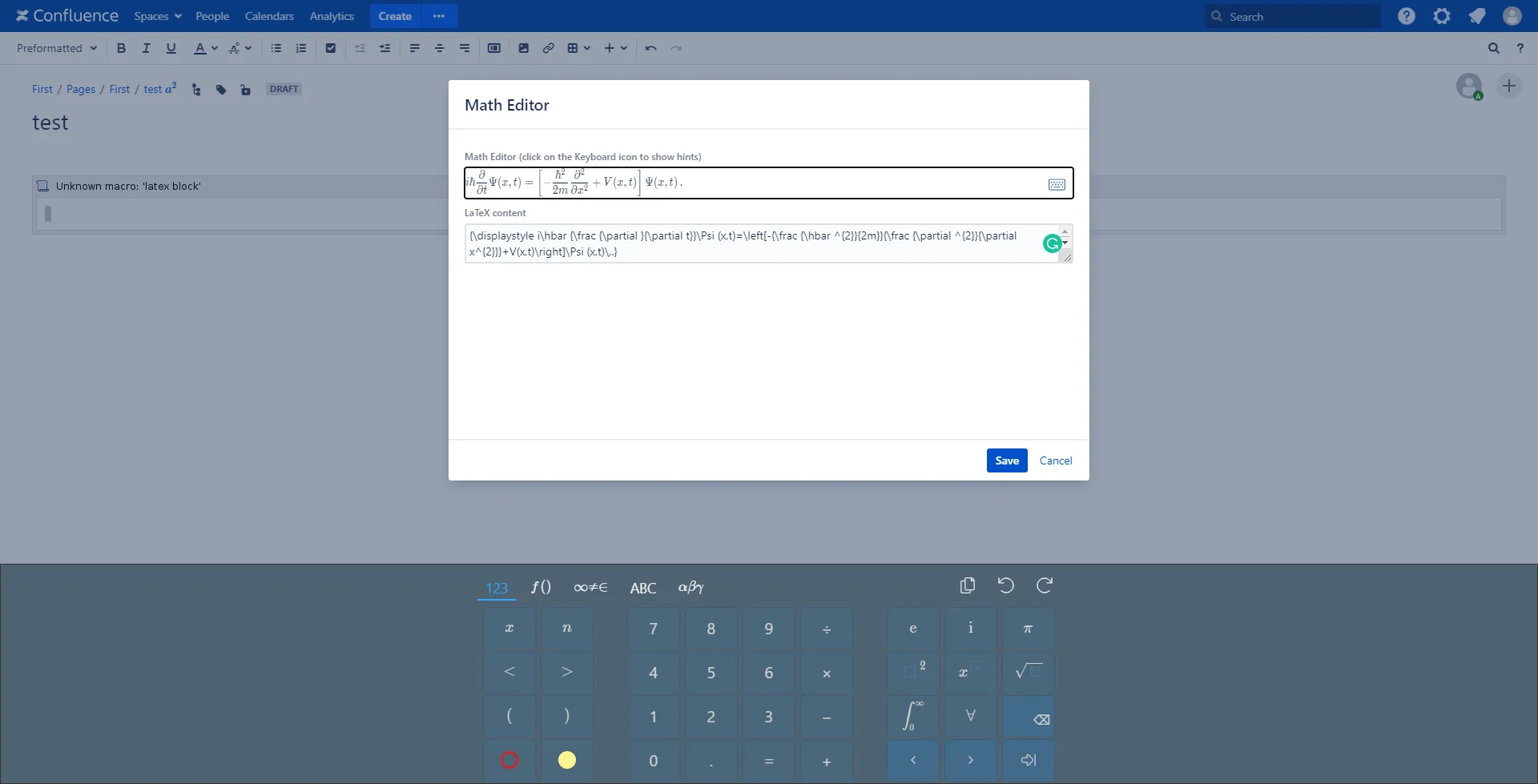
Section titled “Math Editor”If you are not familiar with LaTeX, you can make use of Math Editor while editing the macro content.
To open Math Editor, select the macro, and click on the Editor button on the quick toolbar.

The Math Editor dialog will show up. Click on the Keyboard icon to show the virtual keyboard with many predefined LaTeX symbols.
Mobile support
Section titled “Mobile support”