Usage
This app renders LaTeX anywhere inside Jira– even in Issue Summary. The syntax is very simple.
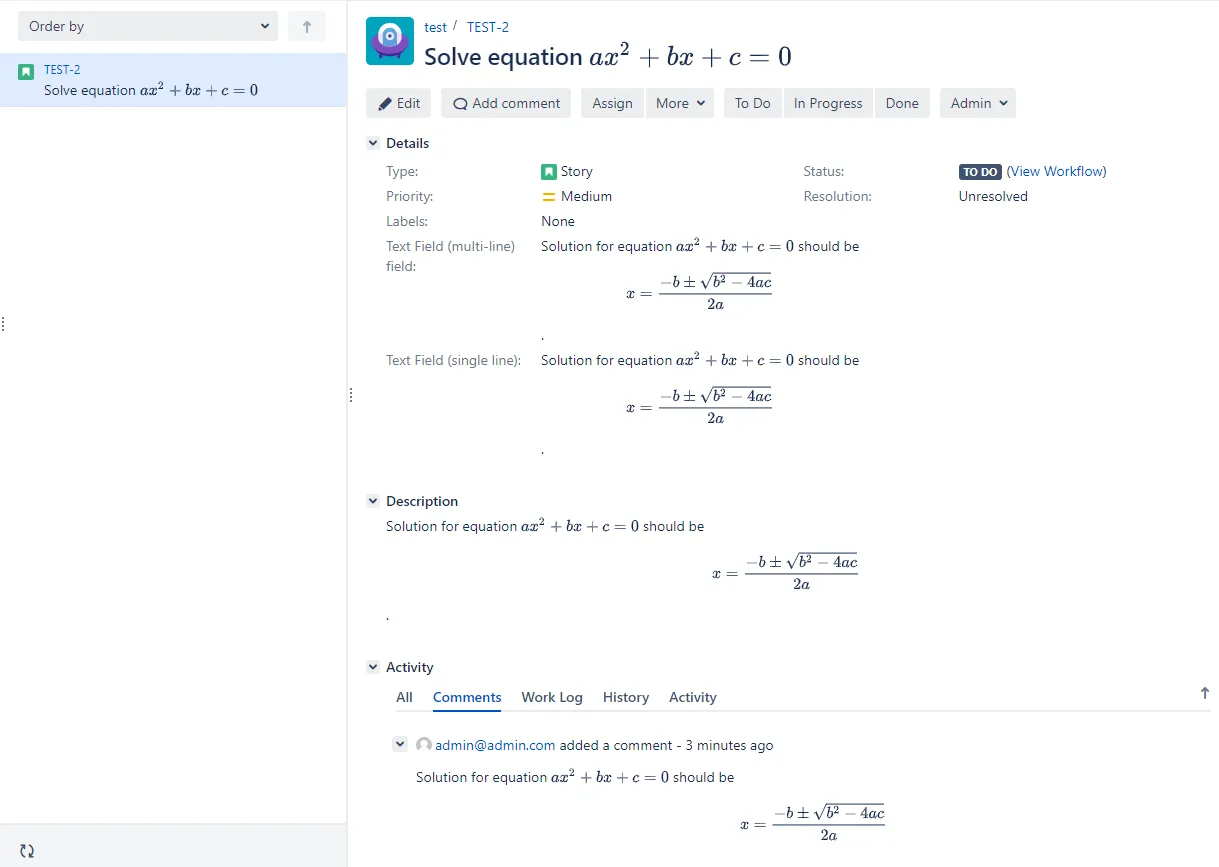
Activate the app
Section titled “Activate the app”The app only works after the license has been activated. If a license has not been purchased, please activate the trial mode https://confluence.atlassian.com/jirakb/how-to-generate-evaluation-licenses-for-jira-apps-1021233084.html.
Syntax in Atlassian Wiki fields
Section titled “Syntax in Atlassian Wiki fields”Inline LaTeX content
Section titled “Inline LaTeX content”To insert LaTeX content into Atlassian Wiki editors such as Description or Comment in inline mode:
- Select the Text mode (you must make sure ithe editor is not in Visual mode.
- Wrap the content inside the
{latex-inline}...{latex-inline}macro. - You can go back to Visual mode to type other content after that.
{latex-inline}e = mc^2{latex-inline}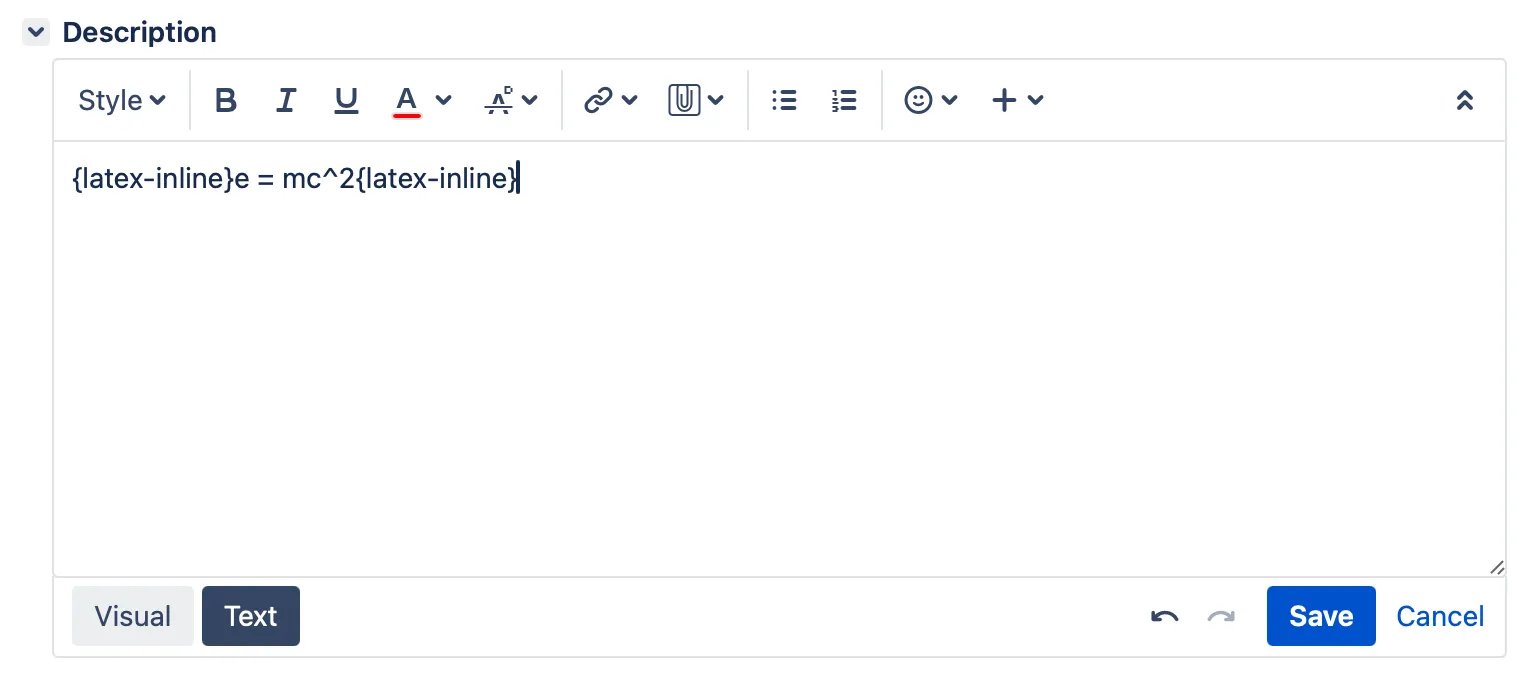
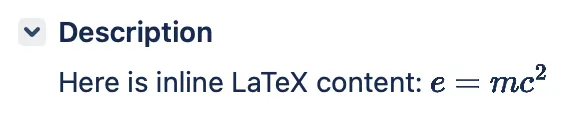
Block LaTeX content
Section titled “Block LaTeX content”To insert LaTeX content into Atlassian Wiki editors such as Description or Comment in block mode:
- Select the Text mode (you must make sure ithe editor is not in Visual mode.
- Wrap the content inside the
{latex-block}...{latex-block}macro. - You can go back to Visual mode to type other content after that.
{latex-block}e = mc^2{latex-block}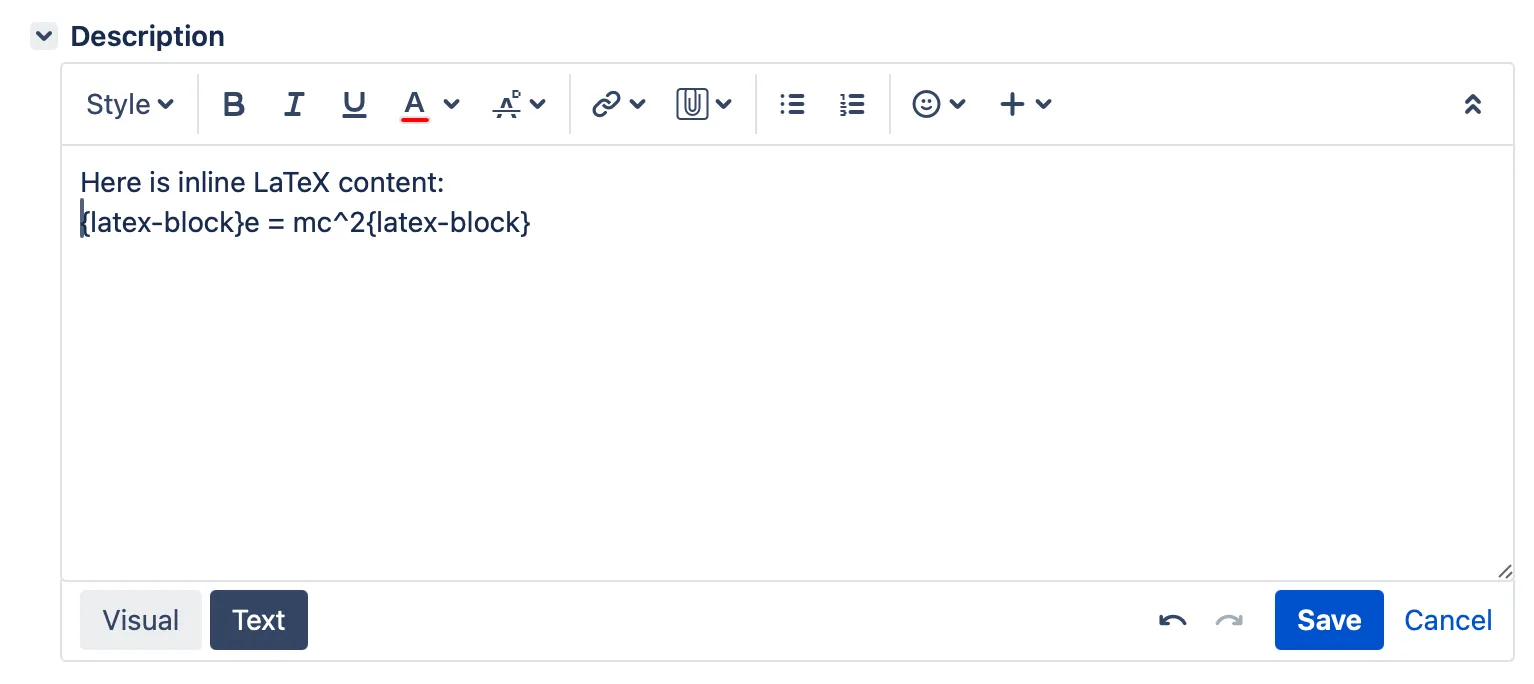

Complex LaTeX content
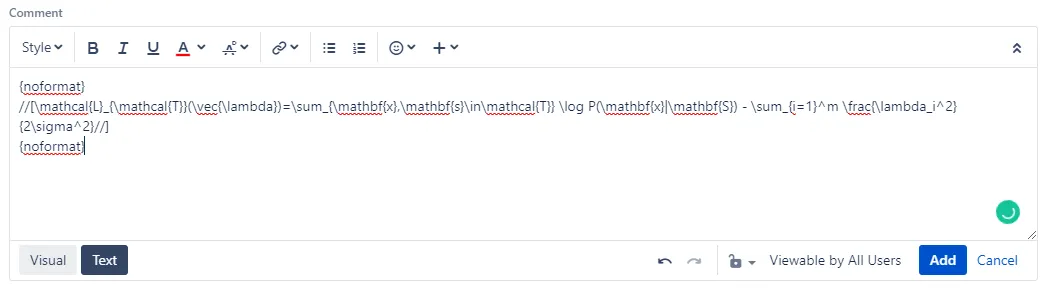
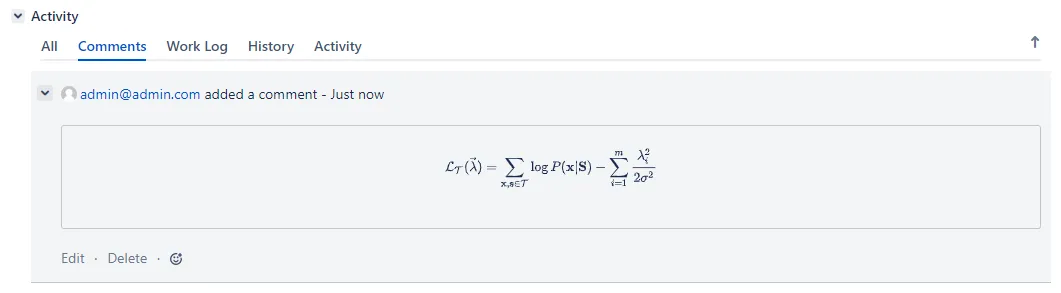
Section titled “Complex LaTeX content”Sometimes the symbols in complex LaTeX content can be misinterpreted by Atlassian Wiki as formatting syntax. To type such complex LaTeX content:
- You can go back to Visual mode to type other content after that.
- Wrap the content inside the
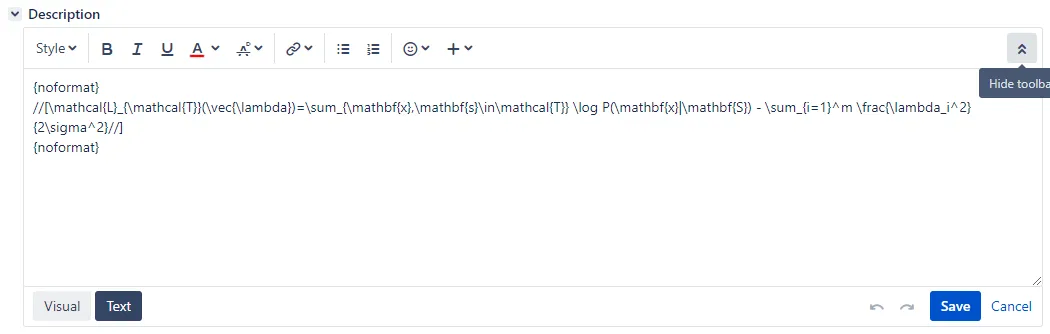
{noformat}//[...//]{noformat}macro. - Select the Text mode (you must make sure ithe editor is not in Visual mode.
{noformat}//[\begin{align*}a^2 + b^2 &= c^2, \\e^{i\pi} + 1 &= 0, \\\int_0^\infty e^{-x} \, dx &= 1.\end{align*}//]{noformat}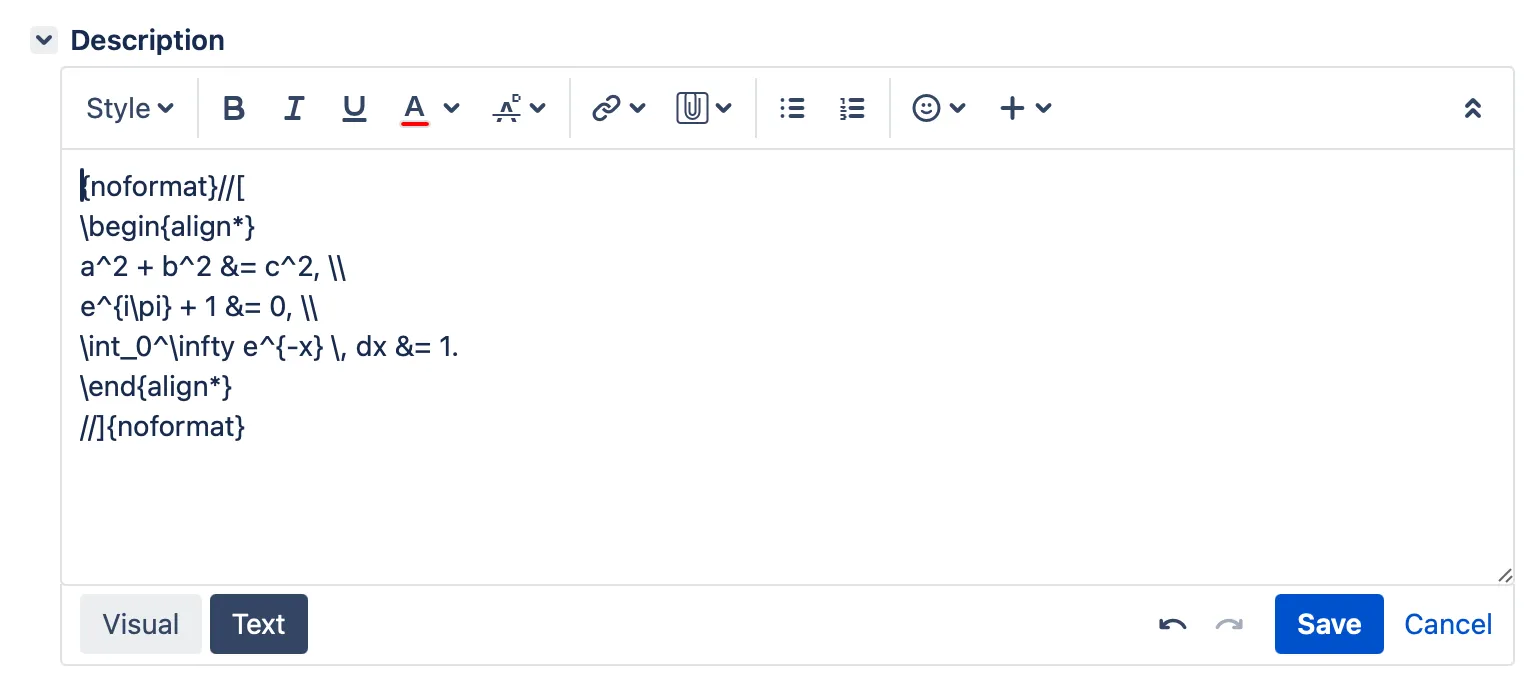

Examples
Section titled “Examples”Description
Section titled “Description”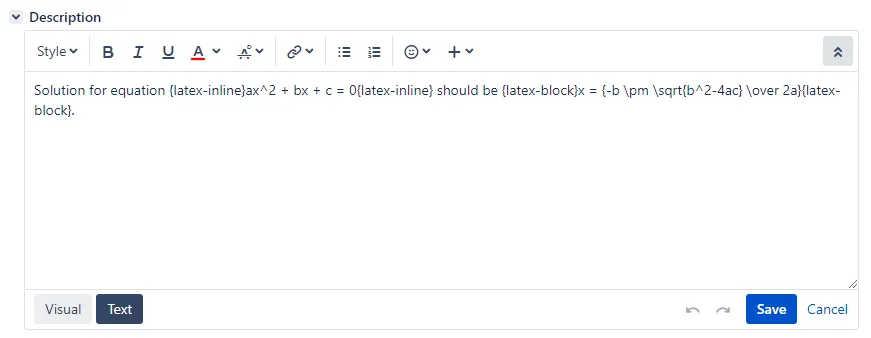


Comment
Section titled “Comment”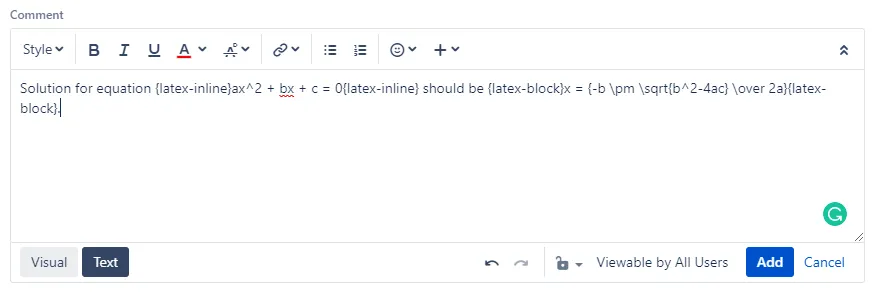

Syntax in plain-text fields
Section titled “Syntax in plain-text fields”For plain-text fields like Summary, inline LaTeX must be wrapped inside //(...//) and LaTeX block must be wrapped inside //[...//].
Examples
Section titled “Examples”Summary
Section titled “Summary”

Text Field (multi-line)
Section titled “Text Field (multi-line)”

Text Field (single line)
Section titled “Text Field (single line)”
