Build a research or technical page
Outcome: A reader can tell what was investigated, what the evidence says, and what to do or verify next.
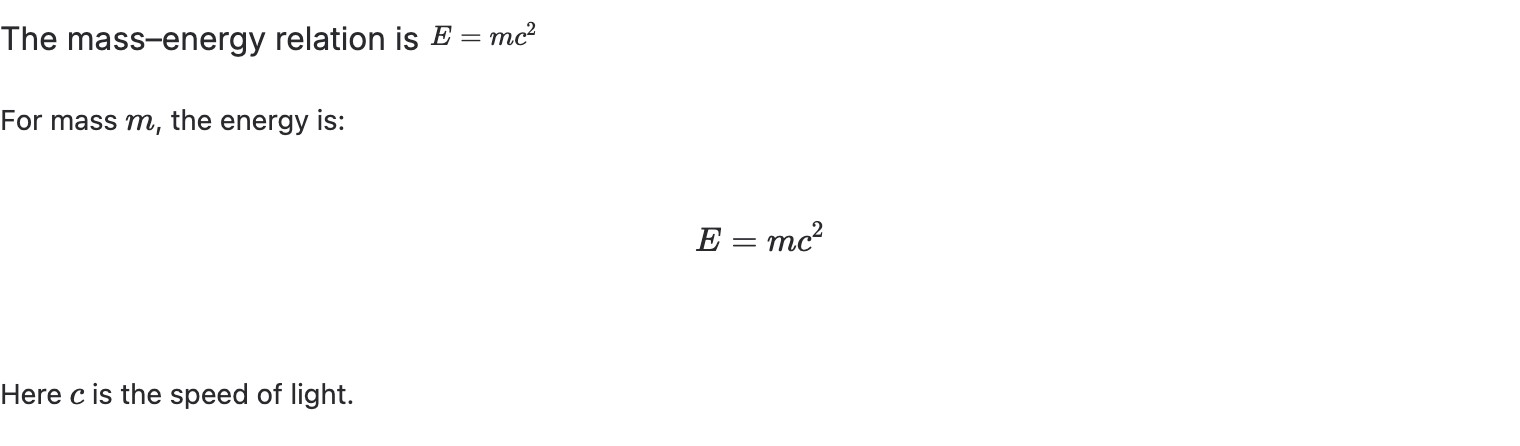
A finished technical-content section on the development site. The equation is explained in prose rather than shown alone; this is not the entire Research brief template.
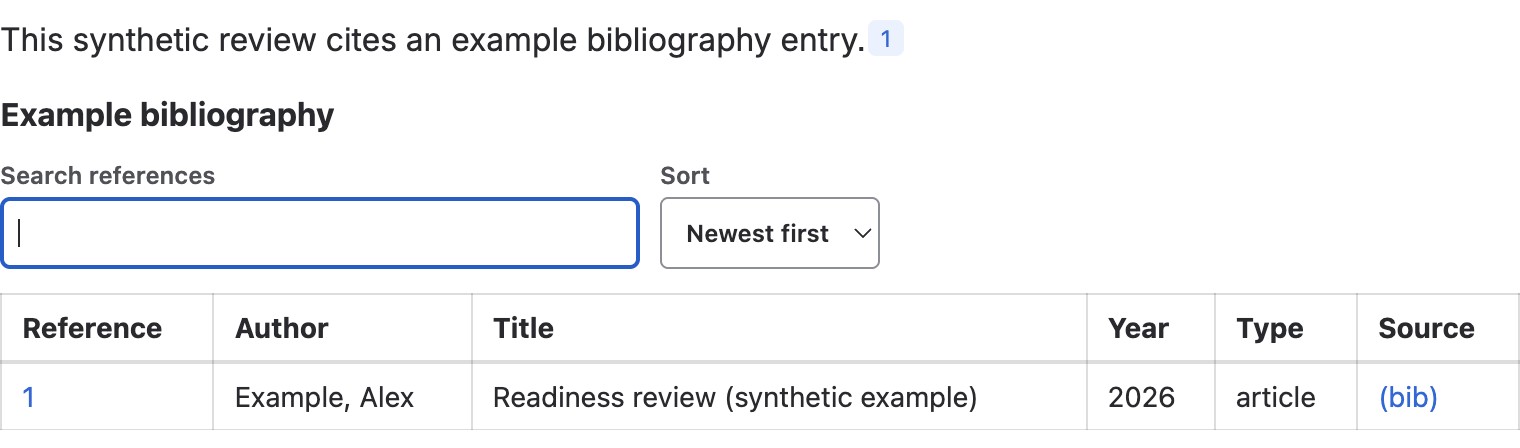
A linked BibTeX Reference and BibTeX Summary in a saved page. The bibliography entry is explicitly fictional: replace it with an actual source, not example evidence. See BibTeX Reference for the pair.
The shipped Research brief template includes question, method and data, findings, interpretation, and references. For a procedure, use the Documentation page template instead. Metrics and evidence and Technical reference are shipped Section Patterns; the latter uses native headings and optional code supplied by the author.
- From Better Pages home, preview the template that matches the reader’s task and create a private draft.
- Replace prompts with the question, method or prerequisites, dated evidence, conclusion, and stable references. State uncertainty in your own findings.
- In Composer, add Metrics and evidence for a small comparable set of measures, or Technical reference for ordered guidance. Preview the generated content before adding it to the canvas.
- Save and reopen. Check that tables, code, and references remain readable, then publish for the intended audience.
Finished-page check: Give tables clear headings and explain measurements in text. Test links, any LaTeX content, and wide tables at a narrow browser width and with keyboard navigation.