Usage
Mermaid UML Diagrams Macro
Section titled “Mermaid UML Diagrams Macro”The Render Mermaid UML Diagrams macro (https://mermaid-js.github.io/mermaid/#/) uses Mermaid to render UML diagrams. It allows you to define UML diagrams in plain-text format just like Markdown.
For a live editor to draft your diagrams, please try https://mermaidjs.github.io/mermaid-live-editor.
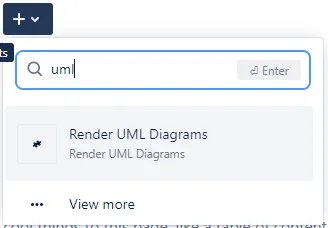
In the Confluence editor, open the Select macro dialog. The macro name is Render Mermaid UML Diagrams.
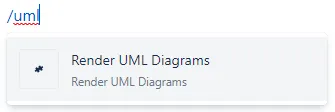
Alternatively, type / (slash) and select the macro.
A dialog will appear. Type the content of the UML diagram into the macro editor. Here is an example:
sequenceDiagram participant Alice participant Bob Alice->>John: Hello John, how are you? loop Healthcheck John->>John: Fight against hypochondria end Note right of John: Rational thoughts <br/>prevail! John-->>Alice: Great! John->>Bob: How about you? Bob-->>John: Jolly good!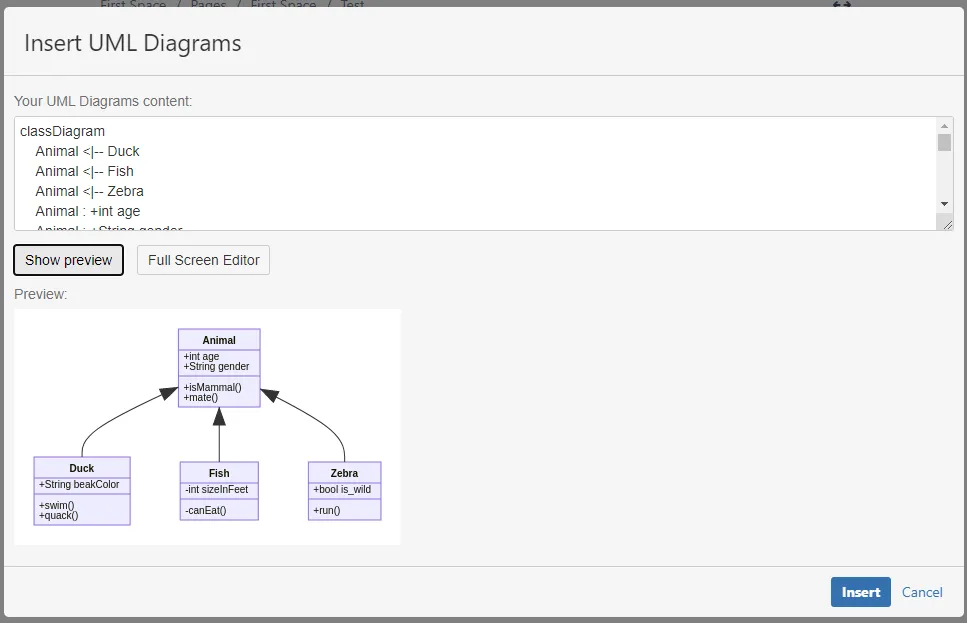
While editing, you can click Show preview to see the result. You can also click Full Screen Editor to open the Mermaid editor that will help you design new diagrams easily.
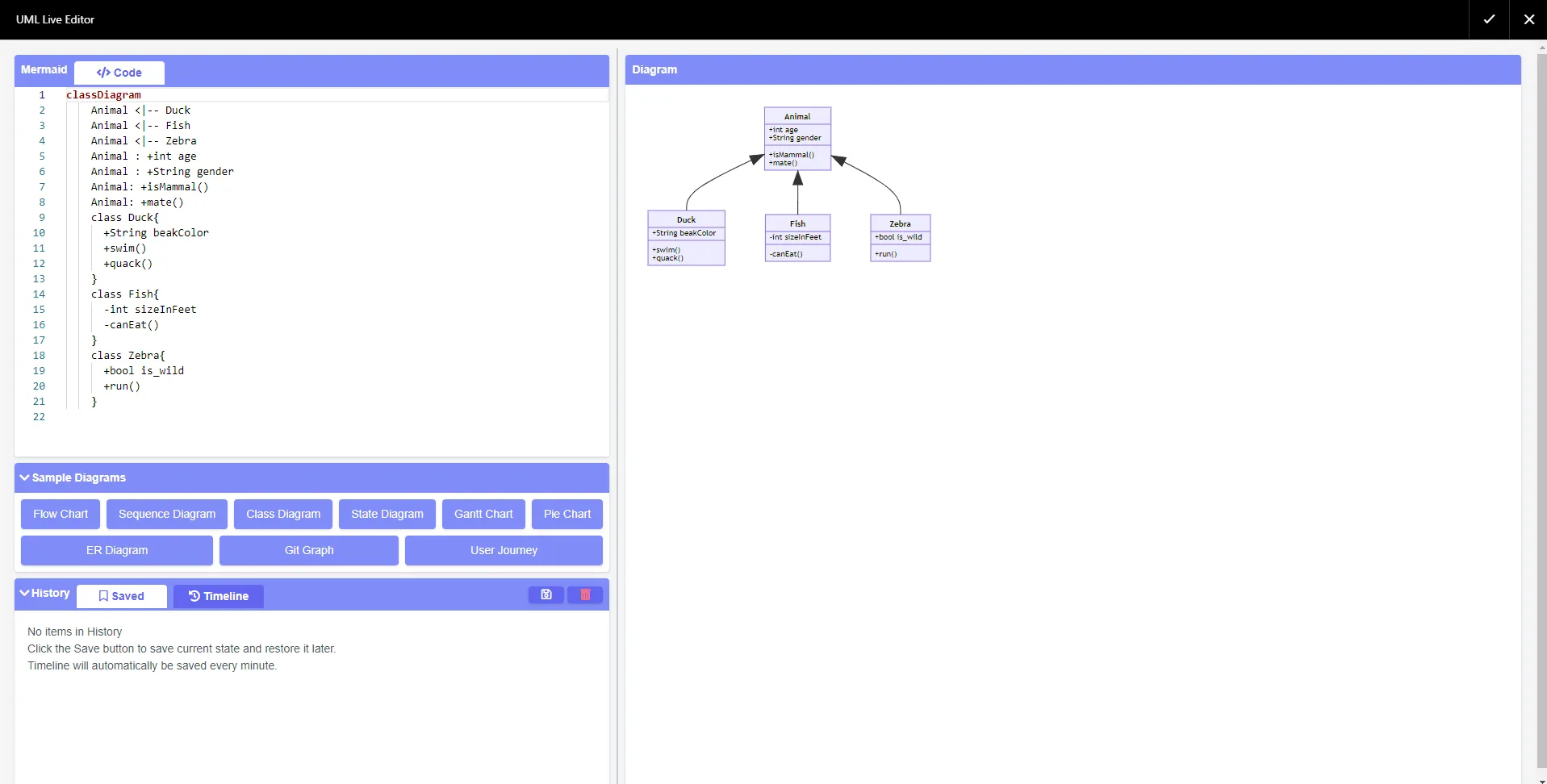
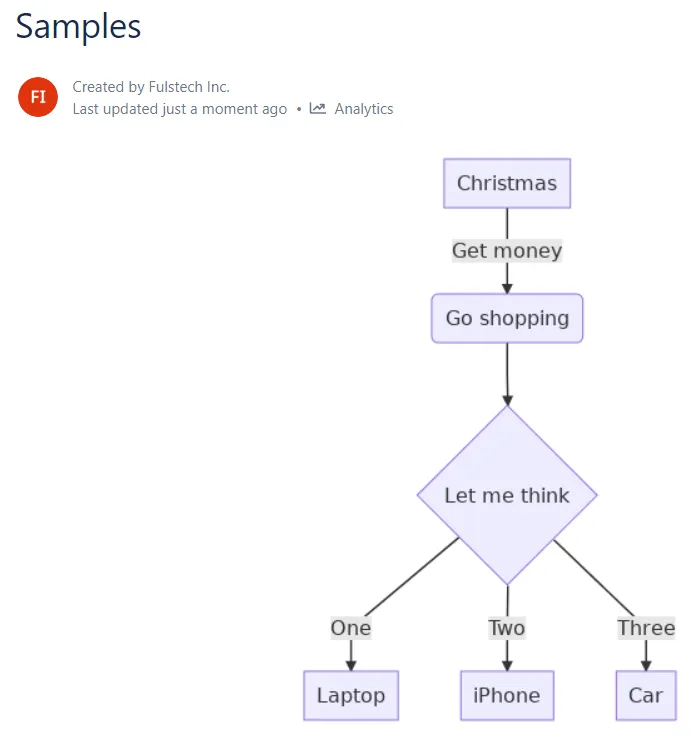
Save the page, and the UML diagram will be rendered.
PlantUML Diagrams Macro
Section titled “PlantUML Diagrams Macro”The Render PlantUML Diagrams macro (https://plantuml.com/) uses PlantUML to render UML diagrams. It allows you to define UML diagrams in plain-text format just like Markdown.
For a live editor to draft your diagrams, please try http://www.plantuml.com/plantuml.
In the Confluence editor, open the Select macro dialog. The macro name is Render PlantUML Diagrams.
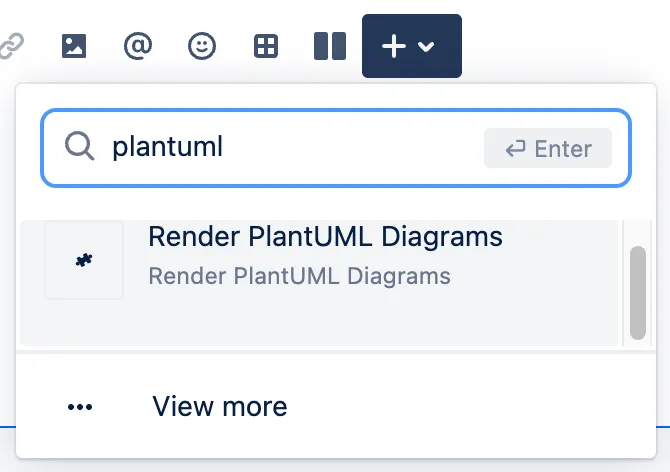
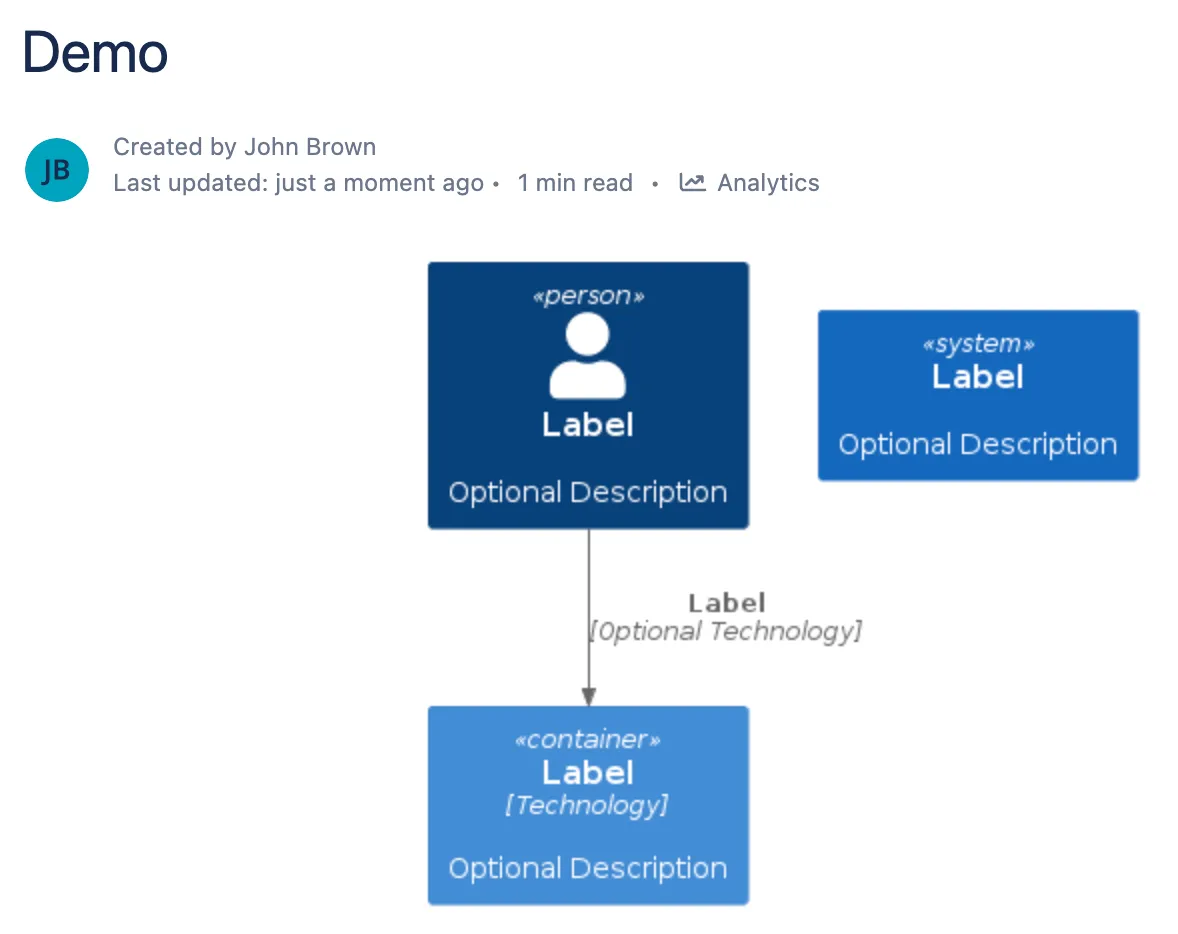
A dialog will appear. Type the content of the UML diagram into the macro editor. Here is an example:
@startuml C4_Elements!include https://raw.githubusercontent.com/plantuml-stdlib/C4-PlantUML/master/C4_Container.puml
Person(personAlias, "Label", "Optional Description")Container(containerAlias, "Label", "Technology", "Optional Description")System(systemAlias, "Label", "Optional Description")
Rel(personAlias, containerAlias, "Label", "Optional Technology")@enduml
You can find more examples here https://plantuml.com/. The PDF guideline can be downloaded here https://plantuml.com/guide.
Save the macro, and the UML diagram will be rendered.
Graphviz Diagrams Macro
Section titled “Graphviz Diagrams Macro”The Graphviz layout programs (https://www.graphviz.org/) take descriptions of graphs in a simple text language, and make diagrams in useful formats, such as images and SVG for web pages; PDF or Postscript for inclusion in other documents; or display in an interactive graph browser. Graphviz has many useful features for concrete diagrams, such as options for colors, fonts, tabular node layouts, line styles, hyperlinks, and custom shapes.
You can find more Graphviz examples here.
In the Confluence editor, open the Select macro dialog. The macro name is Render Graphviz Diagrams.
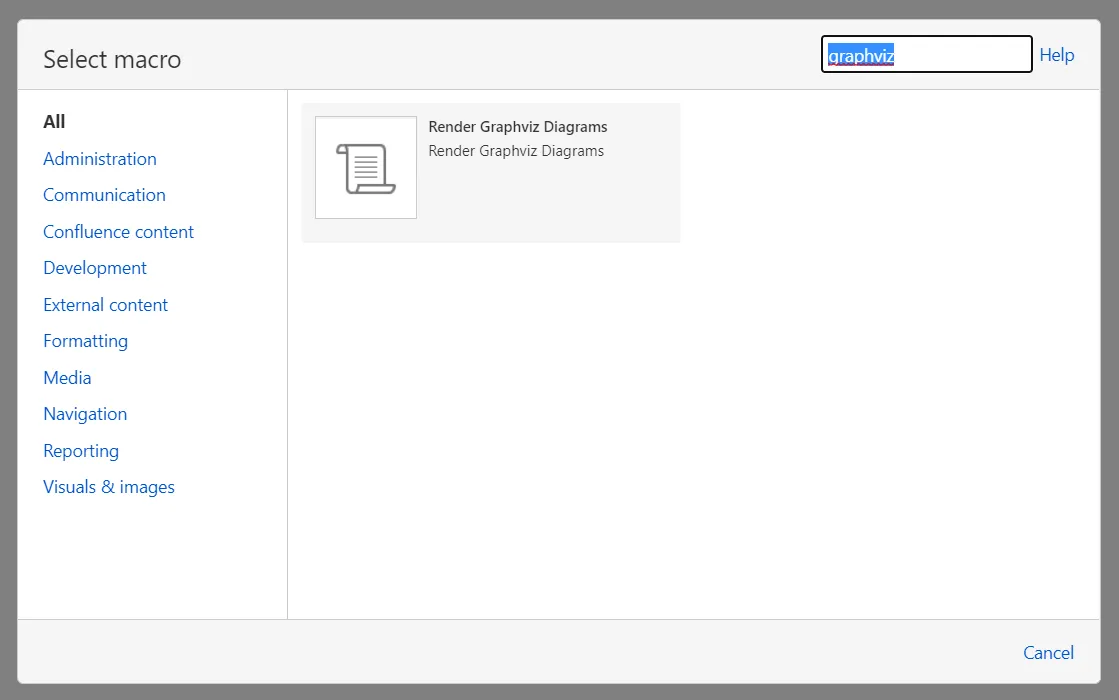
Select the macro, then click Insert.
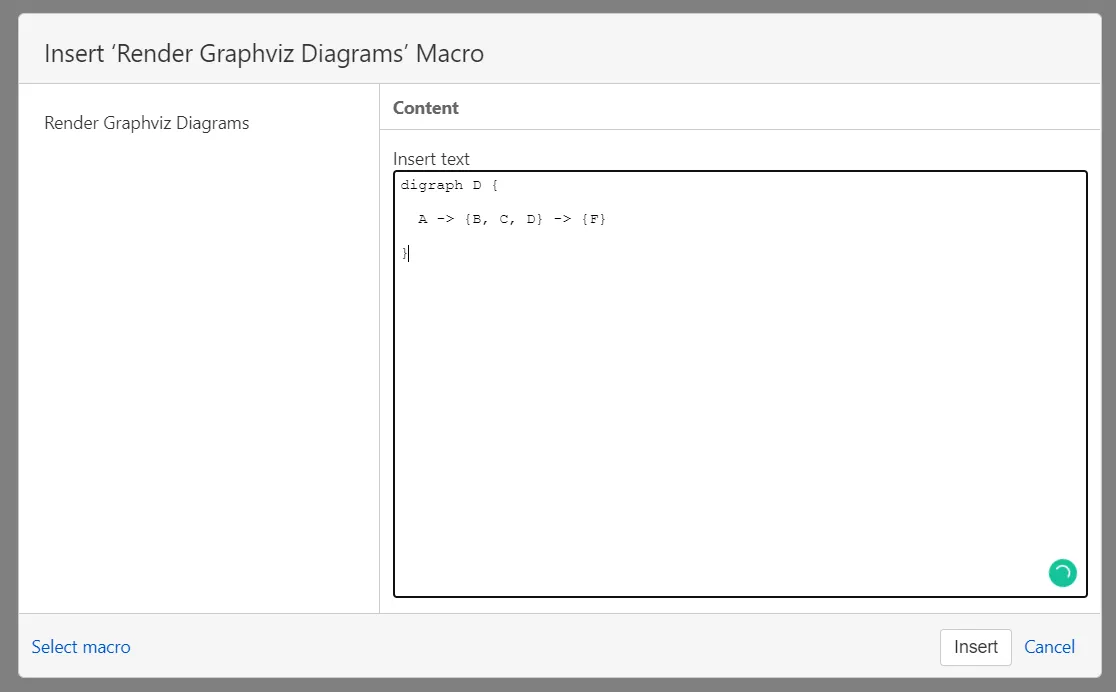
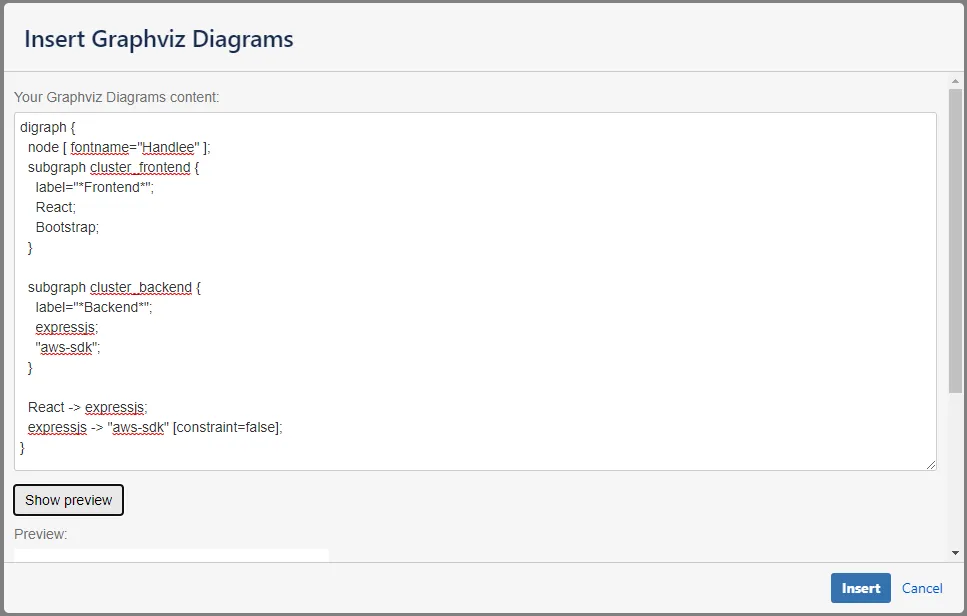
Type the content of the Graphviz diagram into the macro editor. Here is an example:
graph { a -- b; b -- c; a -- c; d -- c; e -- c; e -- a;}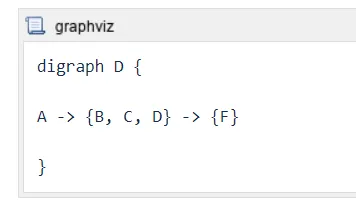
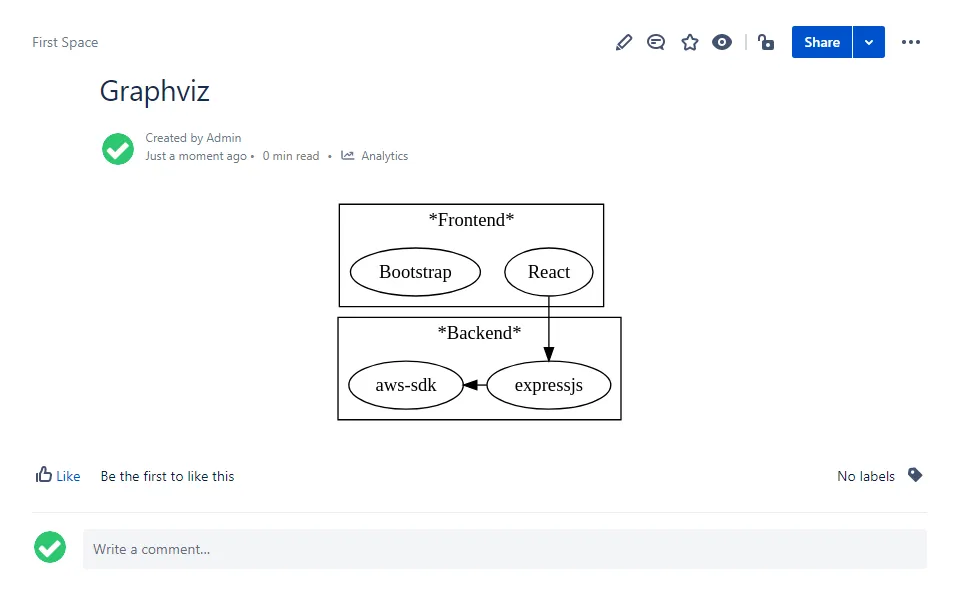
Save the page, and the Graphviz diagram will be rendered.
Examples
Section titled “Examples”Flowchart
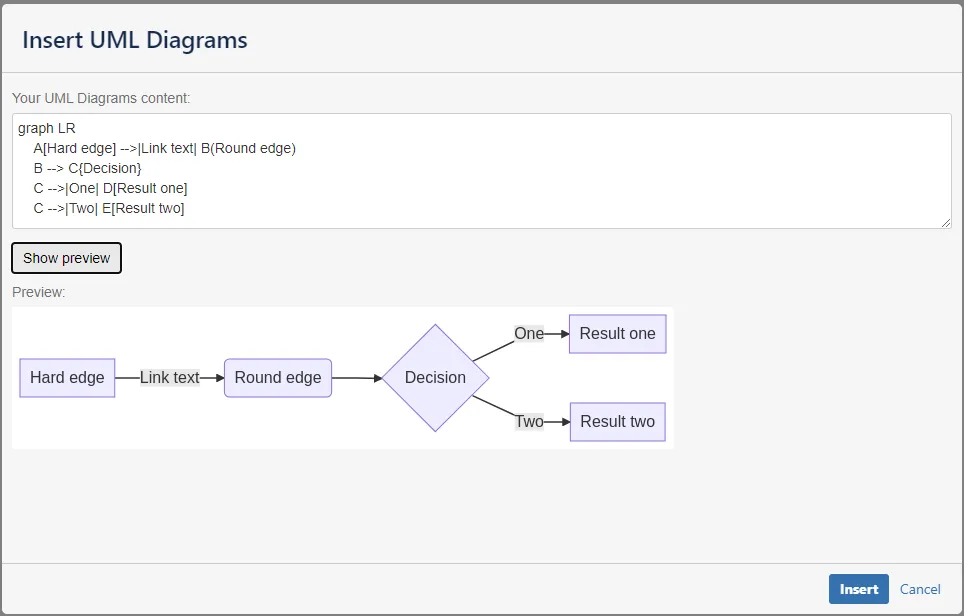
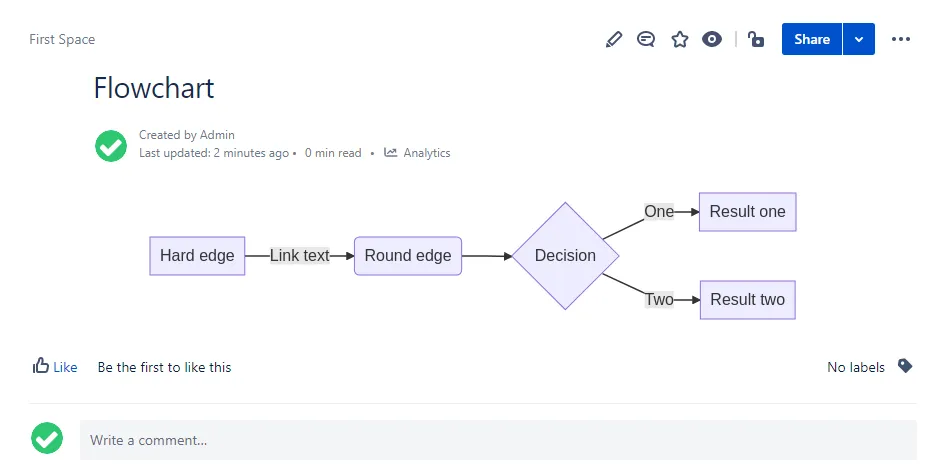
Section titled “Flowchart”Flowcharts can be rendered with Mermaid. See more https://mermaid-js.github.io/mermaid/#/flowchart.
Sequence diagram
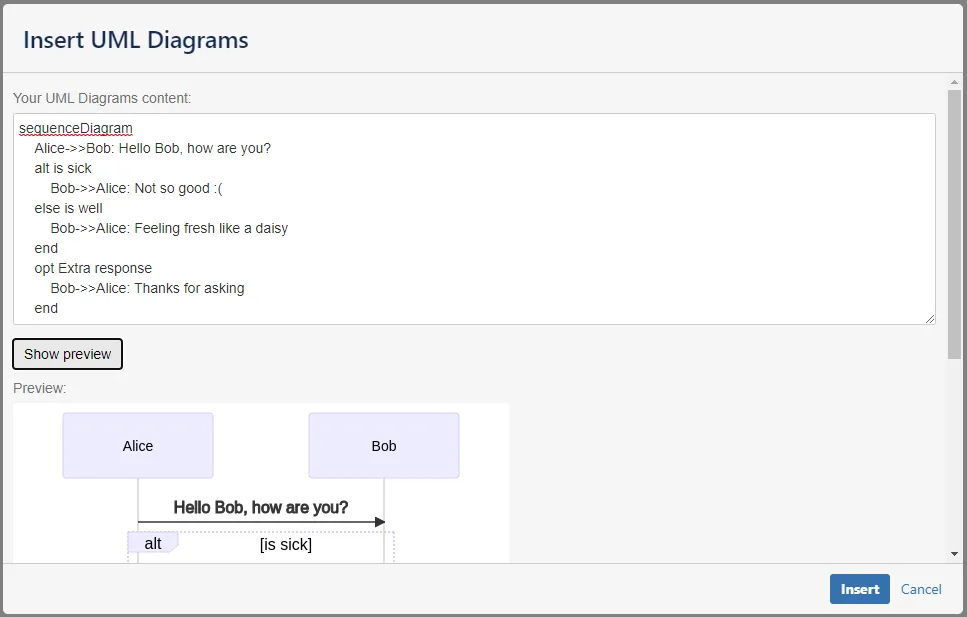
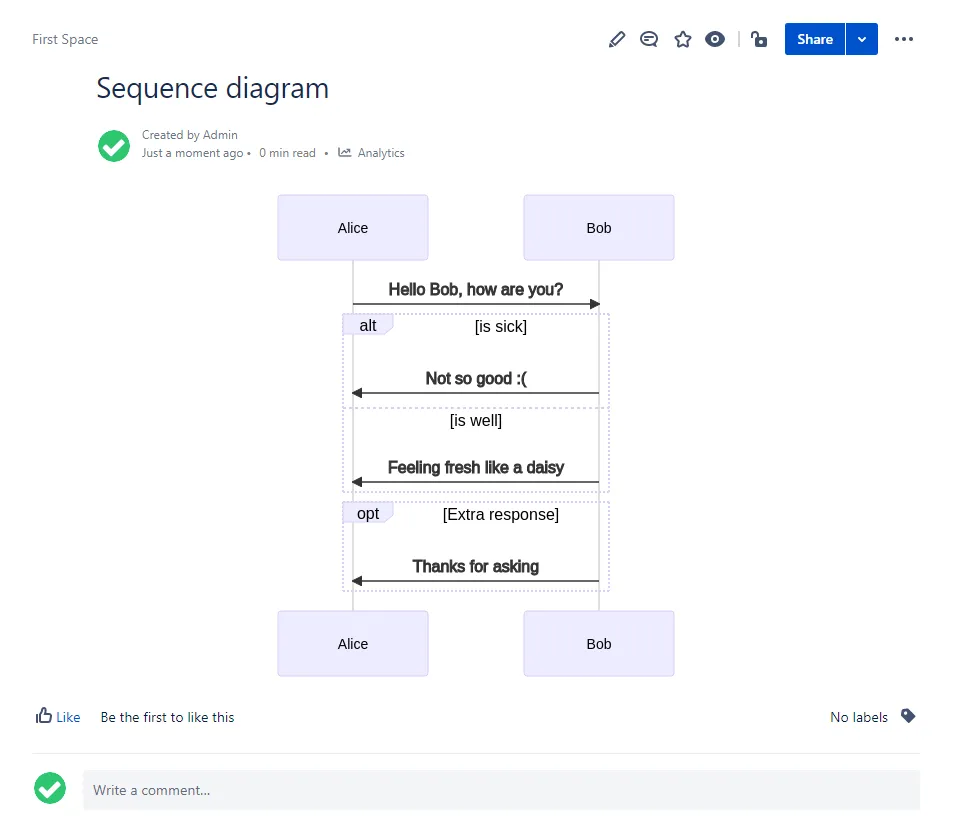
Section titled “Sequence diagram”Sequence diagrams can be rendered with Mermaid. See more https://mermaid-js.github.io/mermaid/#/sequenceDiagram.
Class diagram
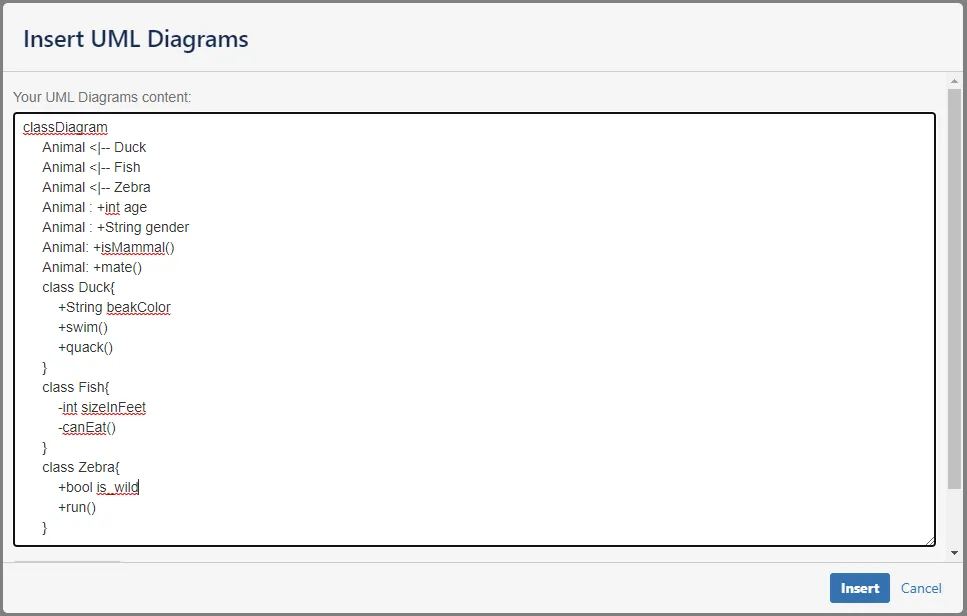
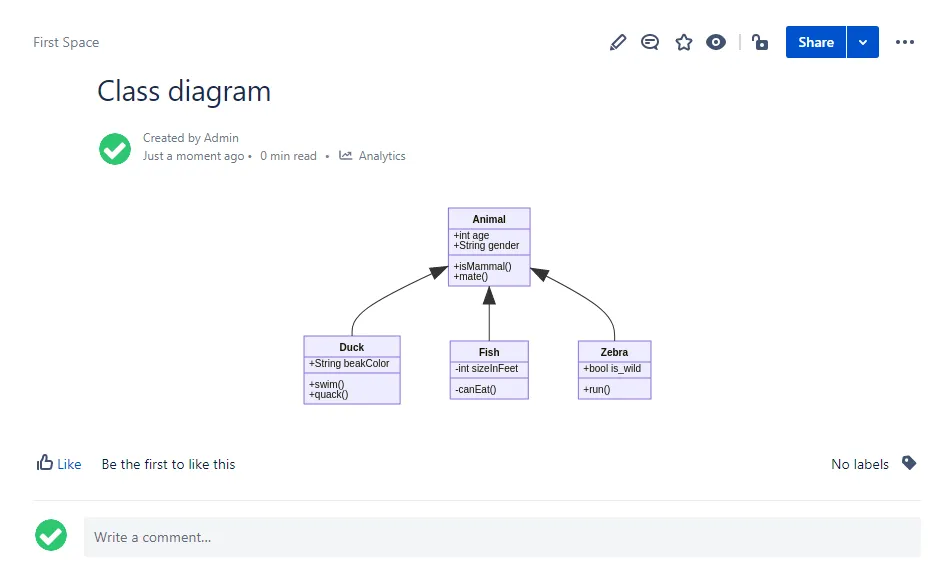
Section titled “Class diagram”Class diagrams can be rendered with Mermaid. See more https://mermaid-js.github.io/mermaid/#/classDiagram.
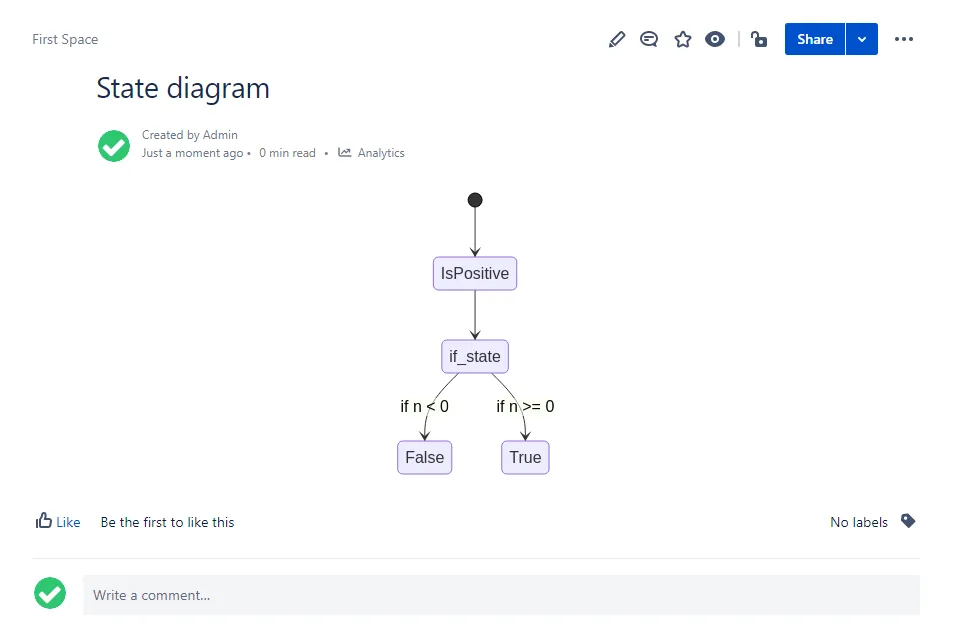
State diagram
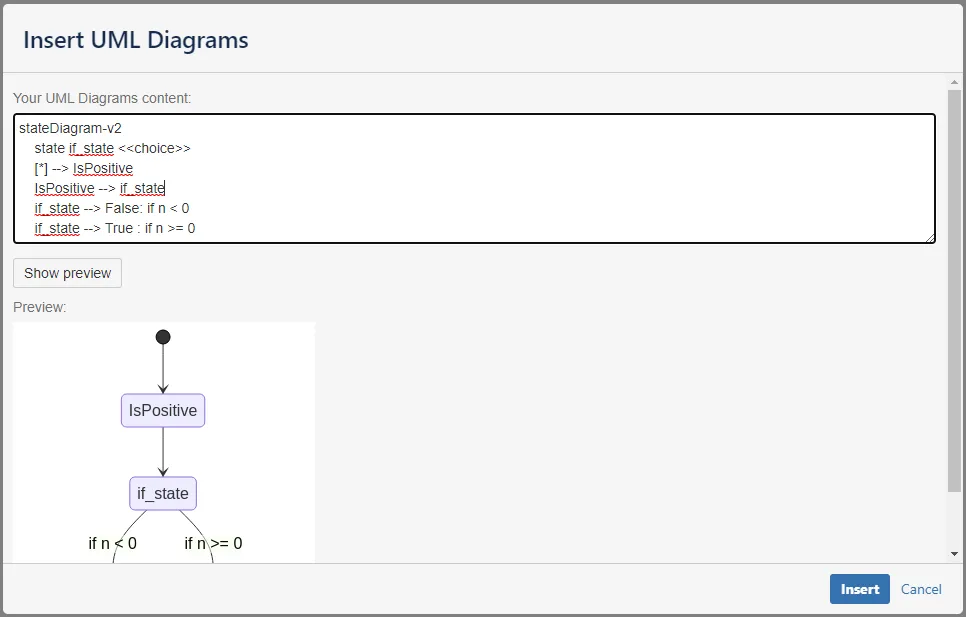
Section titled “State diagram”State diagrams can be rendered with Mermaid. See more https://mermaid-js.github.io/mermaid/#/stateDiagram.
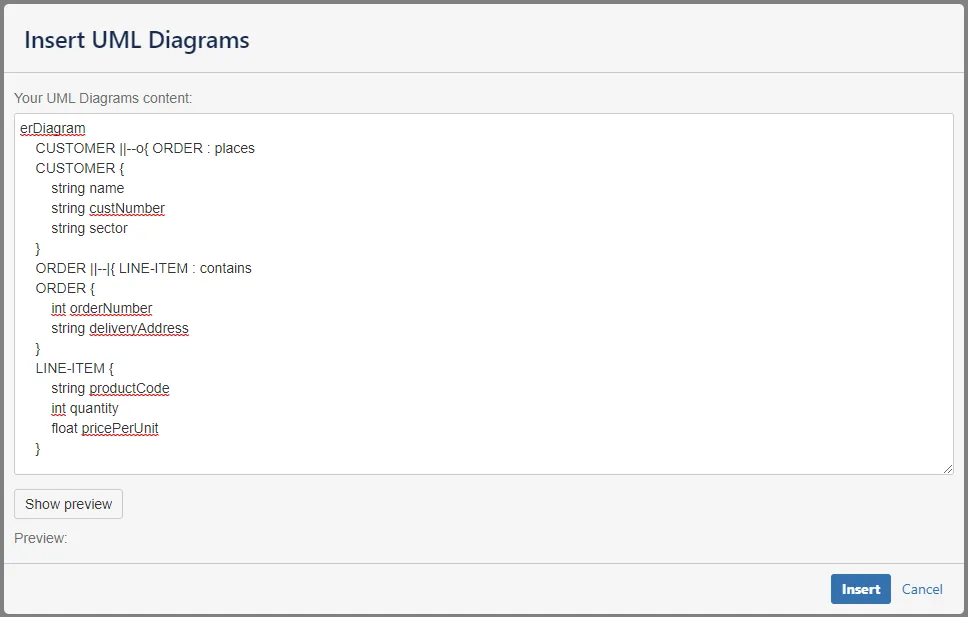
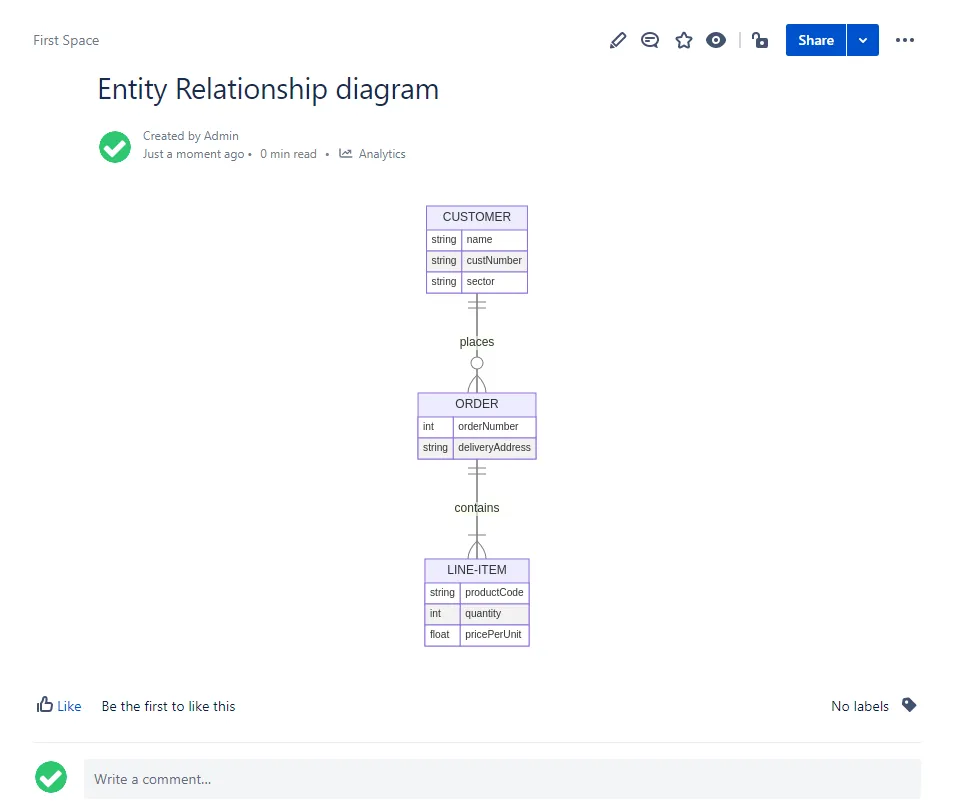
Entity Relationship diagram
Section titled “Entity Relationship diagram”Entity Relationship diagrams can be rendered with Mermaid. See more https://mermaid-js.github.io/mermaid/#/entityRelationshipDiagram.
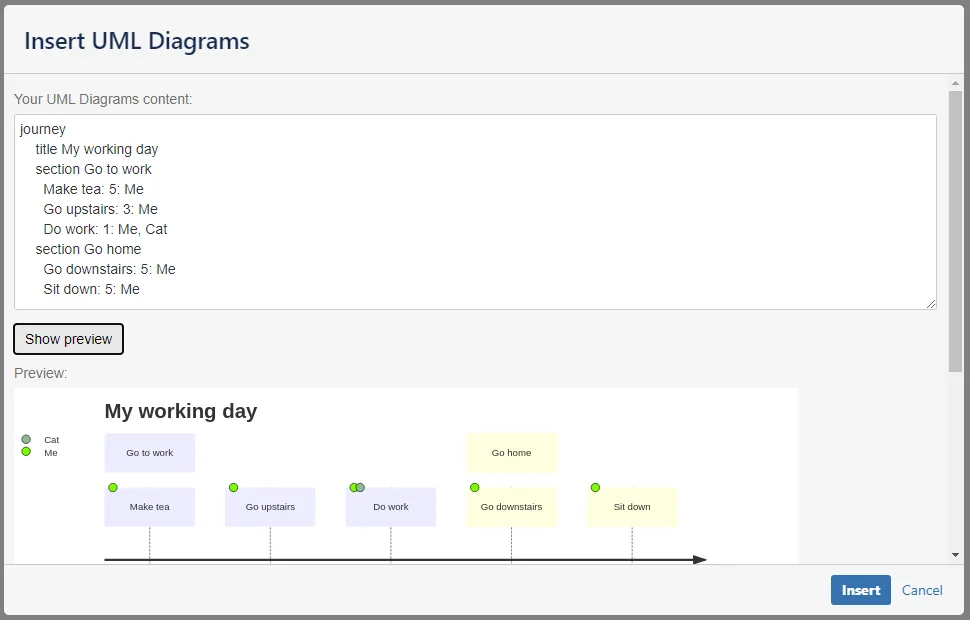
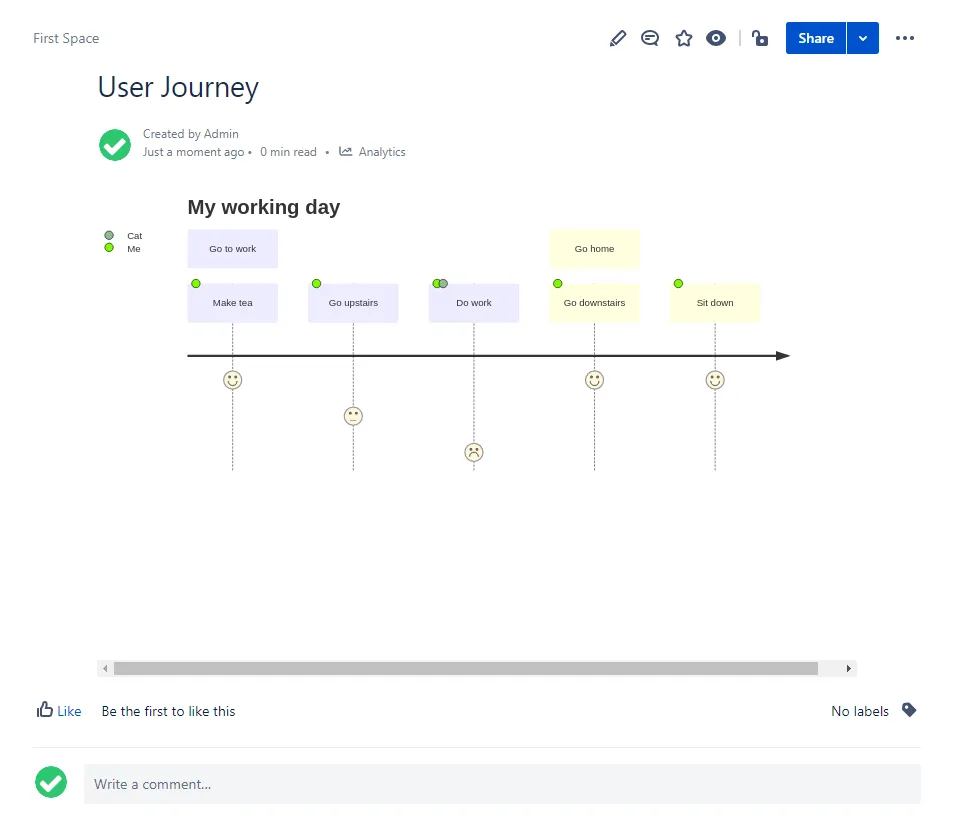
User Journey
Section titled “User Journey”User Journey can be rendered with Mermaid. See more https://mermaid-js.github.io/mermaid/#/user-journey.
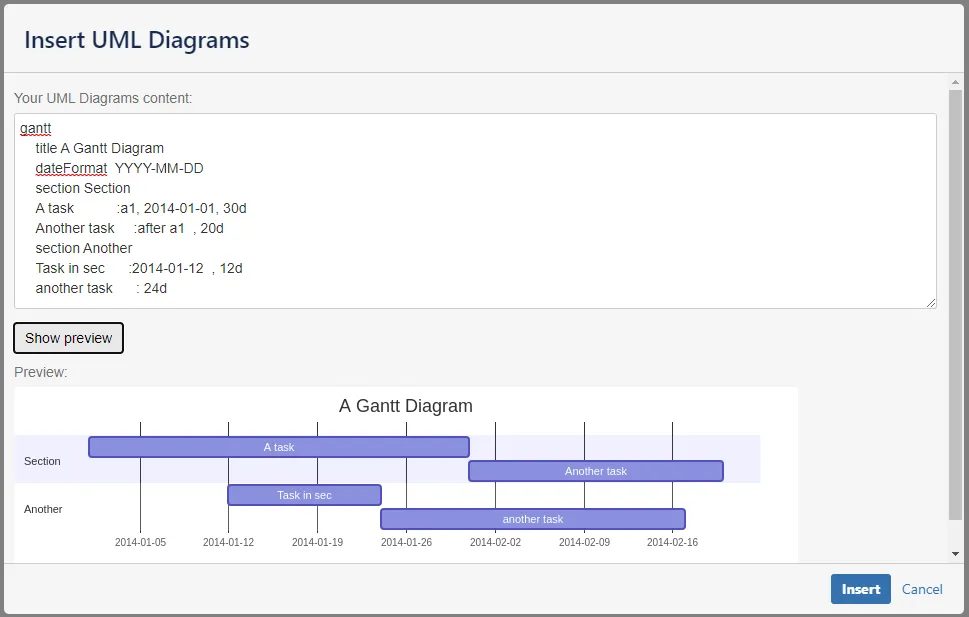
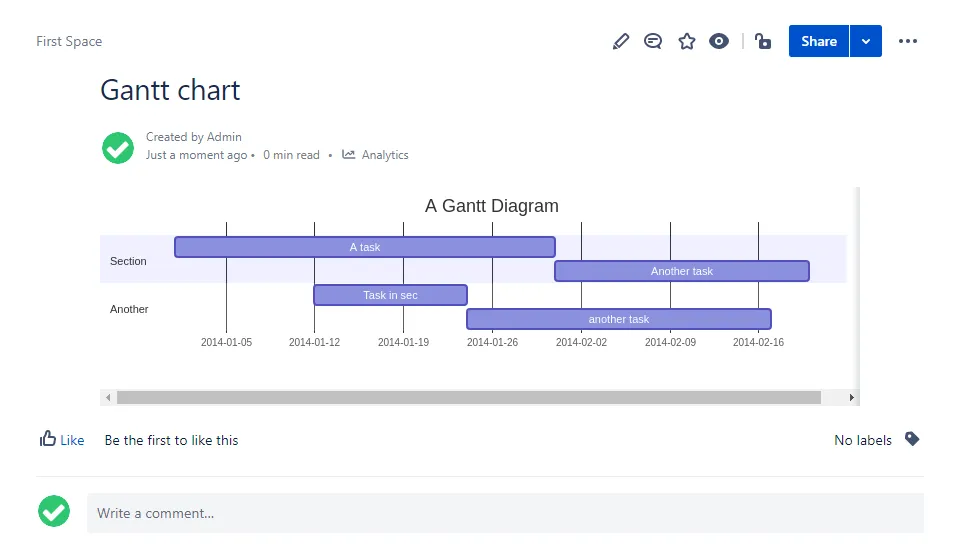
Gantt chart
Section titled “Gantt chart”Gantt charts can be rendered with Mermaid. See more https://mermaid-js.github.io/mermaid/#/gantt.
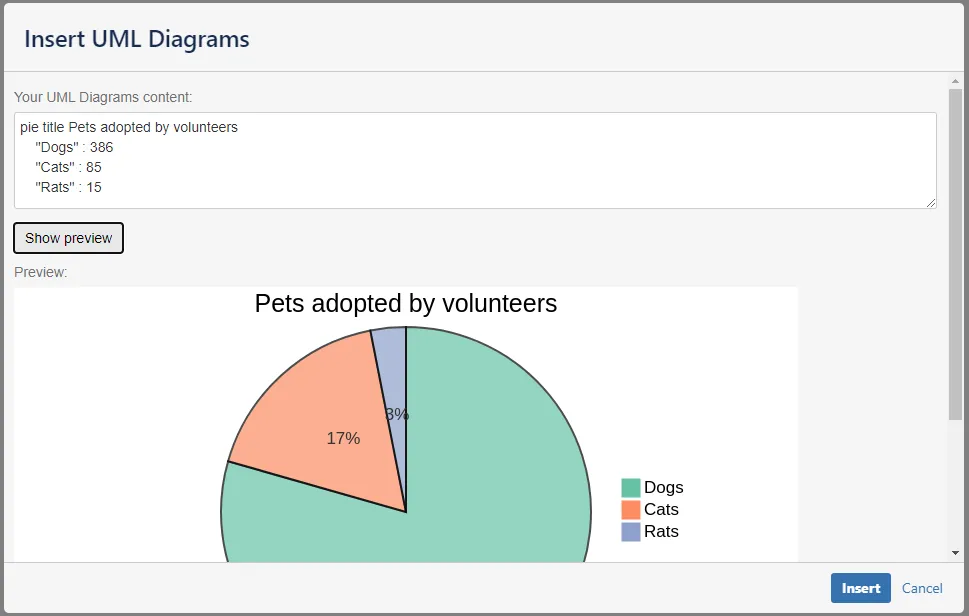
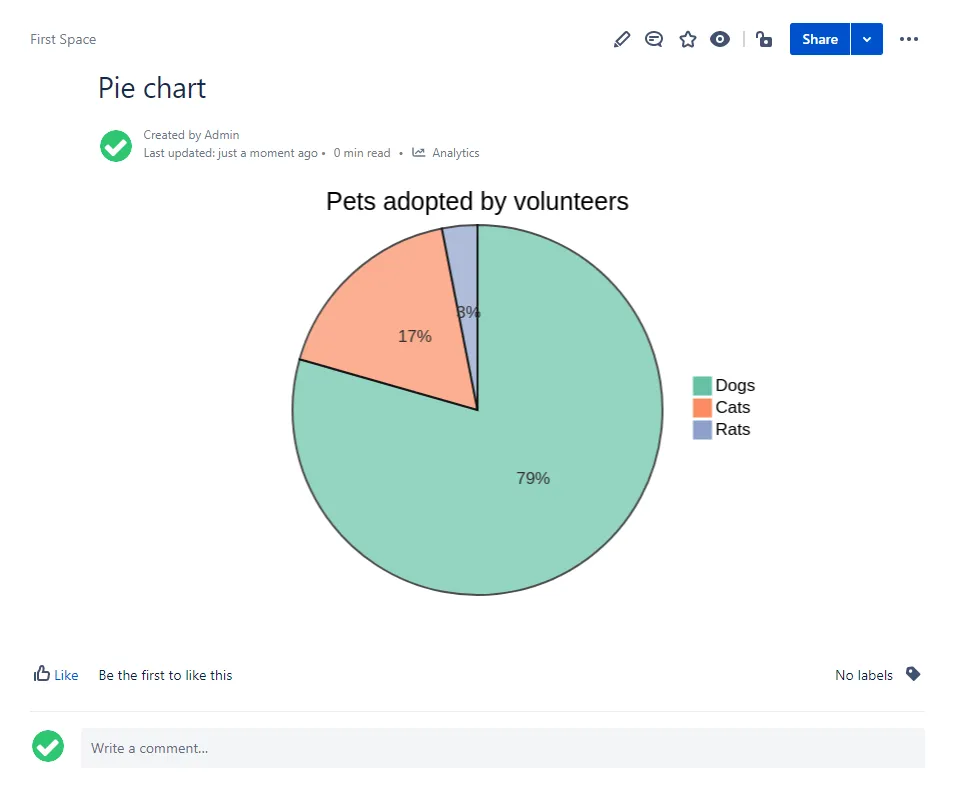
Pie chart
Section titled “Pie chart”Pie charts can be rendered with Mermaid. See more https://mermaid-js.github.io/mermaid/#/pie.
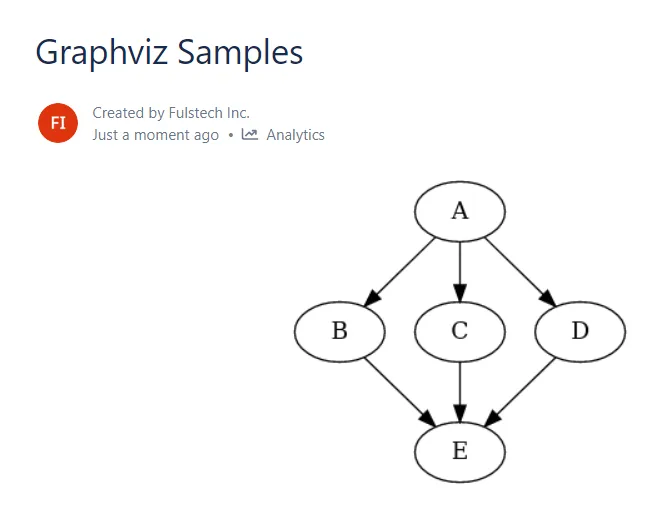
Graphviz
Section titled “Graphviz”This diagram is rendered with Graphviz.