Build a product launch page
Outcome: Launch participants can see the latest readiness state and follow the right action or reference without guessing which page is current.
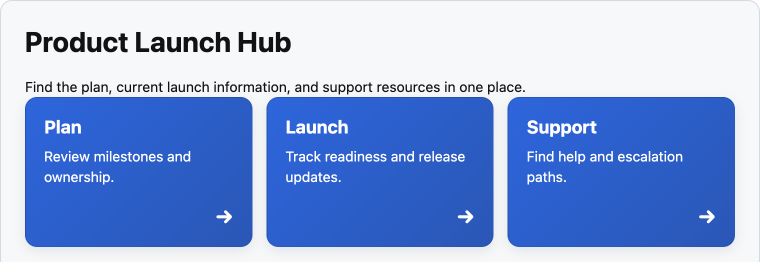
Example of a published launch page on a development Confluence site, using test content. It illustrates the finished reader view, not the exact template or steps below; replace its links and status with your own verified details.
The shipped Product or service homepage or Project brief template provides a starting structure. Use Announcement and actions for the next decision, Project status for the current stage, and Find your way for the plan, metrics, and support. These are Section Patterns that use supported components such as Alert, Button, and Advanced Cards.
- Create a private draft from the chosen template in Better Pages home. Put the intended audience, launch owner, and decision date near the top.
- In Composer, preview a Project status section with the actual stage and next update. Add Find your way with real destinations. Use Announcement and actions only when there is a clear action to take.
- Review the canvas and any optional published Brand Styles. Save the draft and reopen it to check wording and links before publishing.
Finished-page check: Make the next action explicit, not color-only. Keep decision details and risks visible without hiding critical information in a non-default tab. Test actions on a narrow screen and with keyboard focus.