Usage
Mermaid UML Diagrams
Section titled “Mermaid UML Diagrams”Please make sure the Jira Server can connect to https://app-nwtmwlxsha-uk.a.run.app. We use this Web Service to render the diagrams.
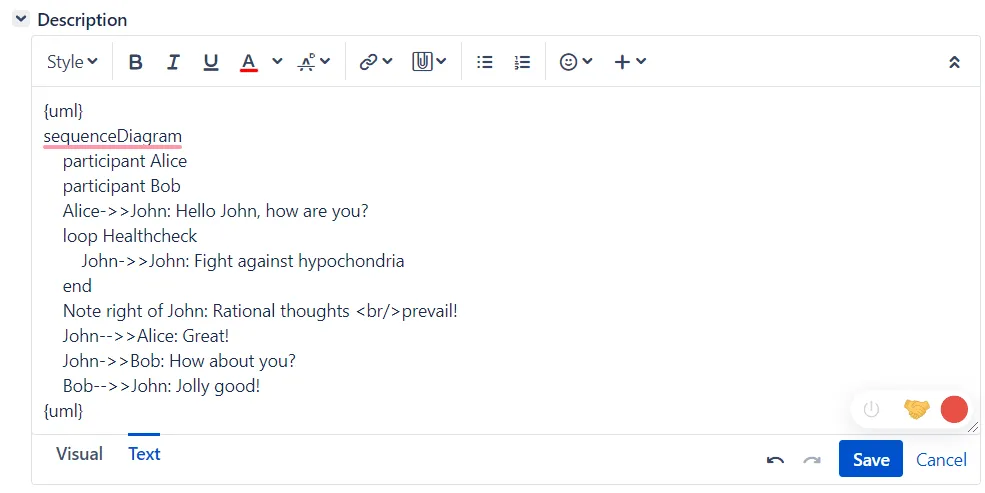
This app renders Mermaid UML diagrams inside Jira Wiki Editor. The Mermaid UML content must be wrapped inside the {uml}…{uml} macro. For Jira 7+, the macros have to be used in Text mode and not Visual mode.
Mermaid (https://mermaid-js.github.io/mermaid/#/) allows you to define UML diagrams in plain-text format just like Markdown. For a live editor to draft your diagrams, please try https://mermaidjs.github.io/mermaid-live-editor.
As an example, after the app is installed, please paste the following text into Issue Description:
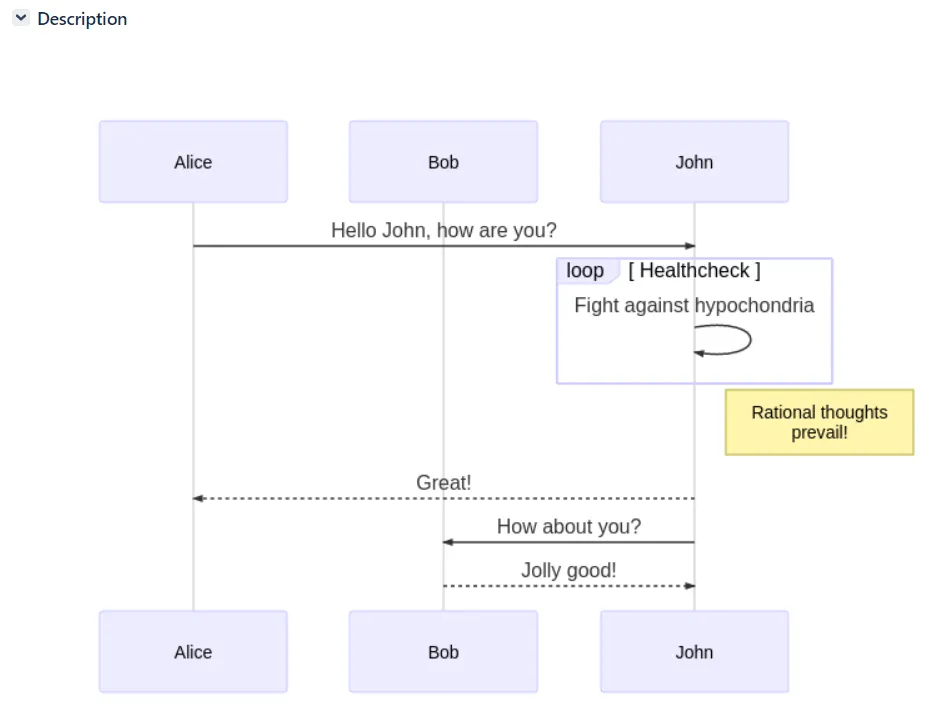
{uml}sequenceDiagram participant Alice participant Bob Alice->>John: Hello John, how are you? loop Healthcheck John->>John: Fight against hypochondria end Note right of John: Rational thoughts <br />prevail! John-->>Alice: Great! John->>Bob: How about you? Bob-->>John: Jolly good!{uml}For Jira 7+, the macros have to be used in Text mode and not Visual mode.
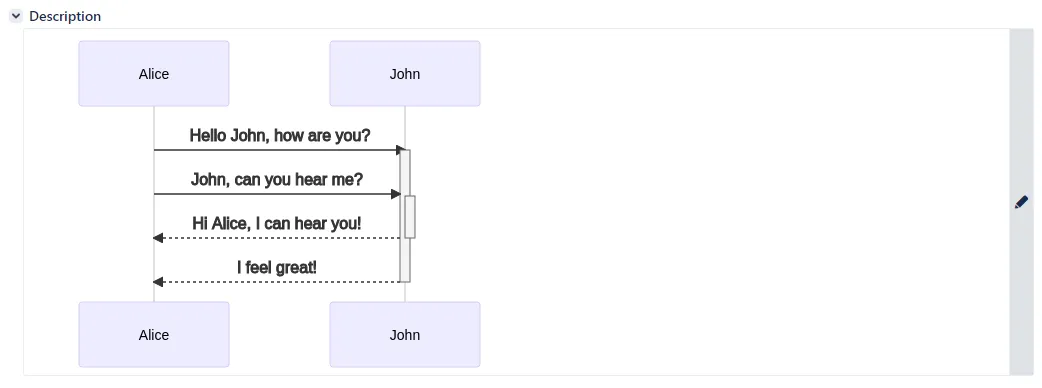
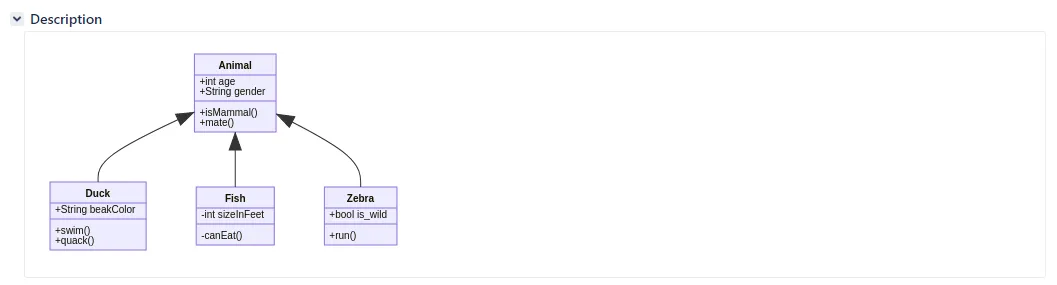
All Mermaid UML content will be rendered as below.
Graphviz Diagrams
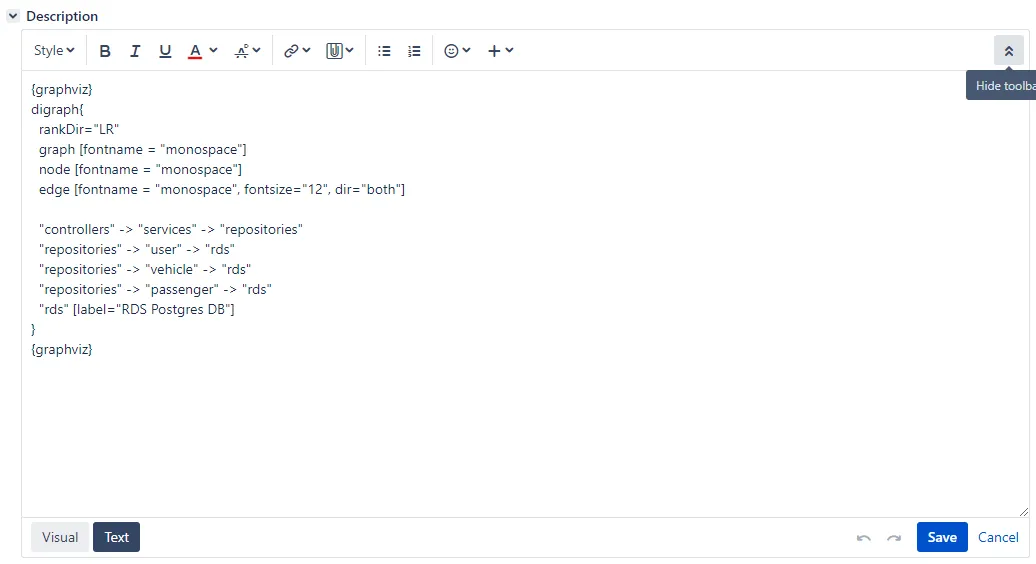
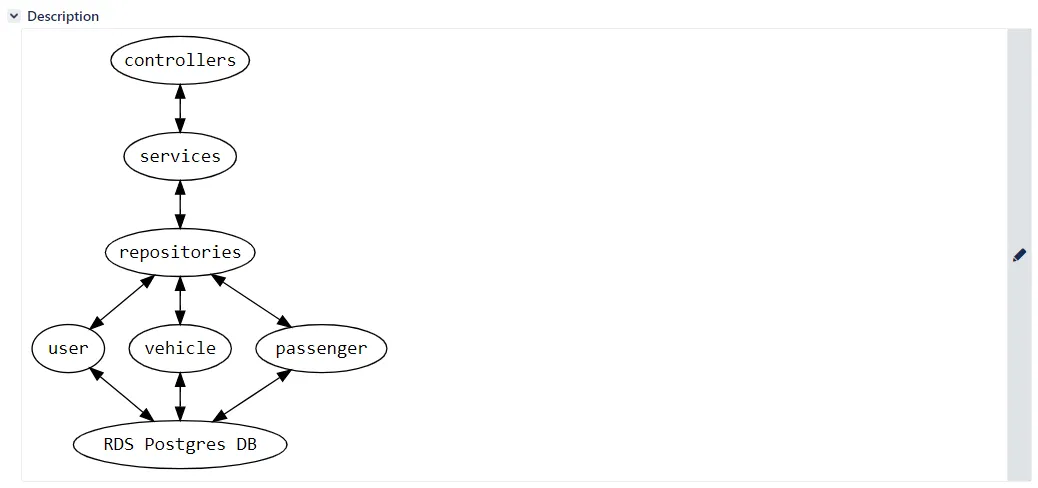
Section titled “Graphviz Diagrams”This app renders Graphviz diagrams inside Jira Wiki Editor. The Graphviz content must be wrapped inside the {graphviz}…{graphviz} macro. For Jira 7+, the macros have to be used in Text mode and not Visual mode.
As an example, after the app is installed, please paste the following text into Issue Description:
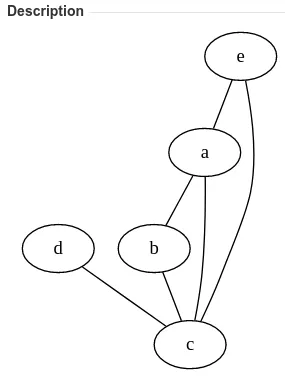
{graphviz}graph { a -- b; b -- c; a -- c; d -- c; e -- c; e -- a;}{graphviz}For Jira 7+, the macros have to be used in Text mode and not Visual mode.
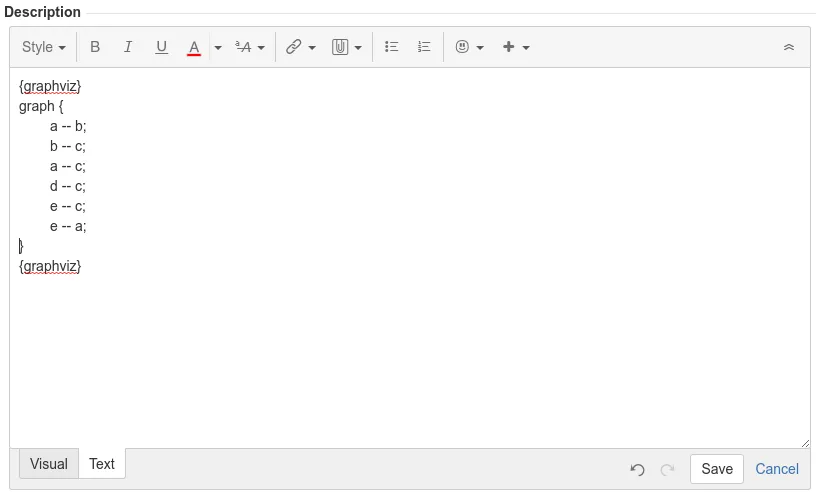
All Graphviz content will be rendered as below.
Examples
Section titled “Examples”Flowchart
Section titled “Flowchart”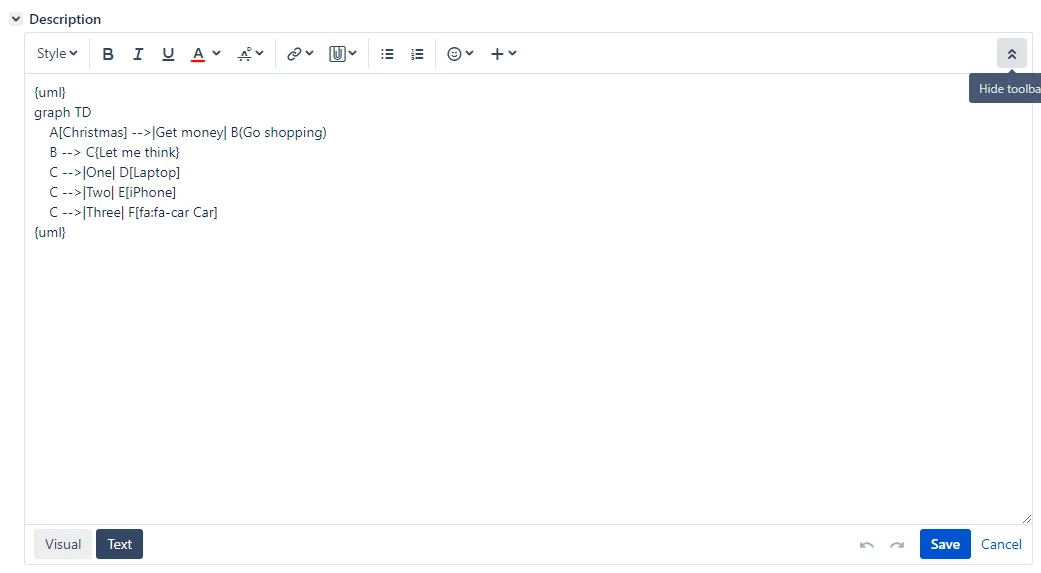
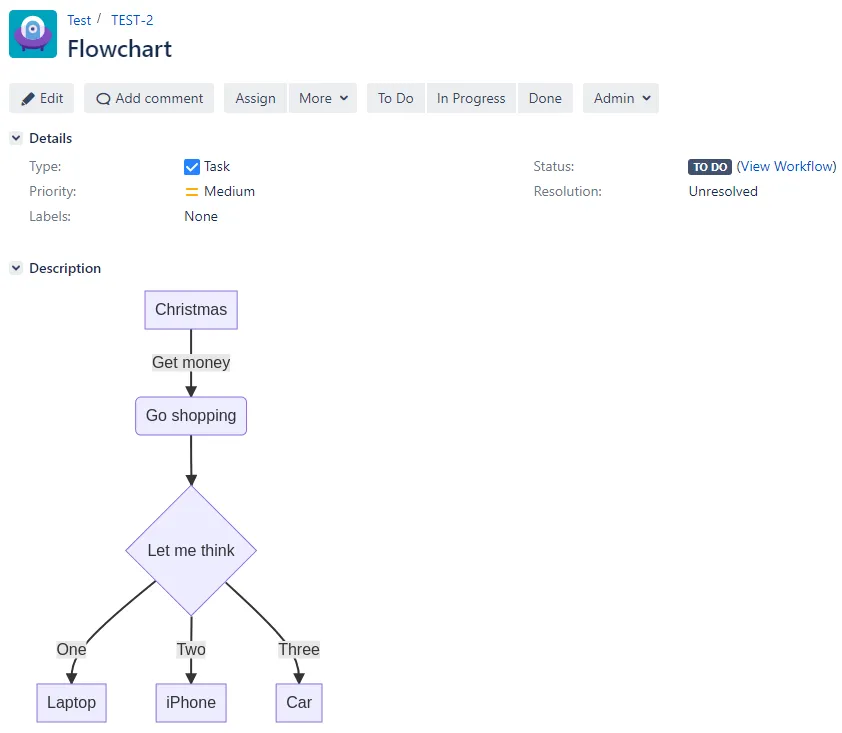
Sequence diagram
Section titled “Sequence diagram”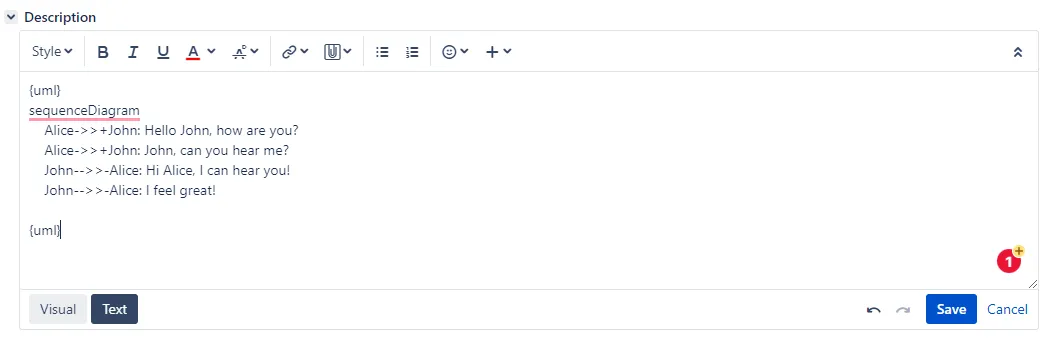
Class diagram
Section titled “Class diagram”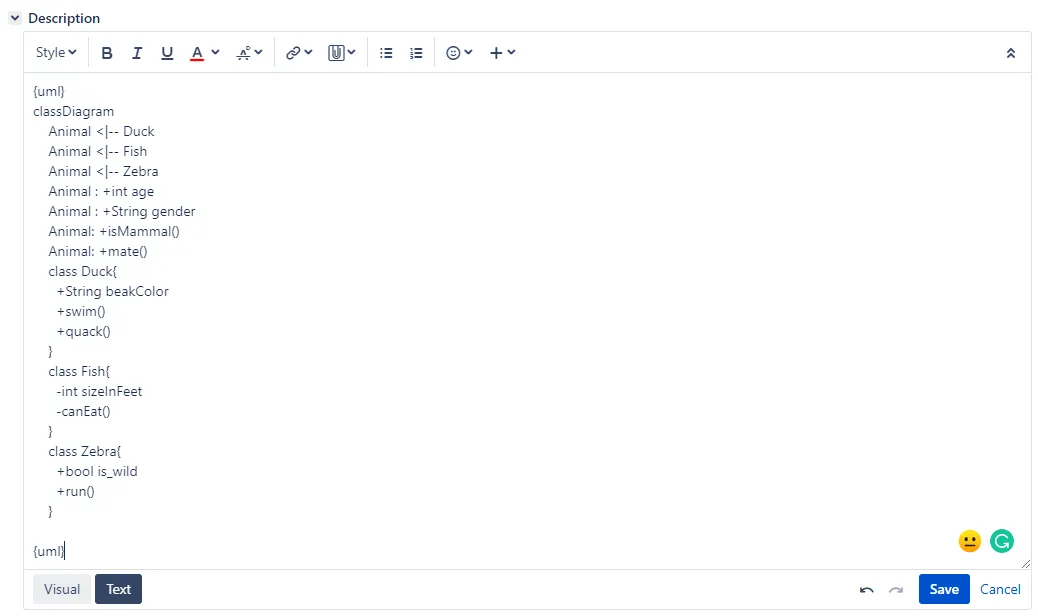
State diagram
Section titled “State diagram”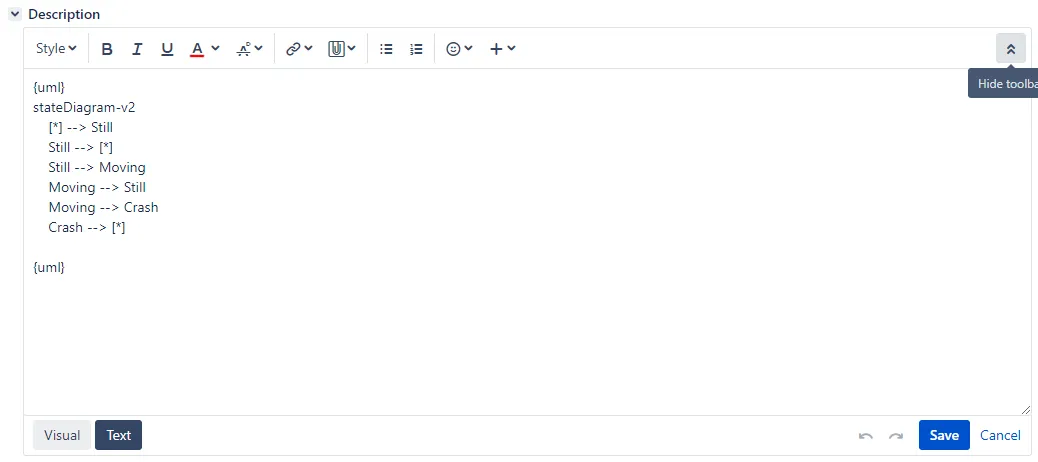
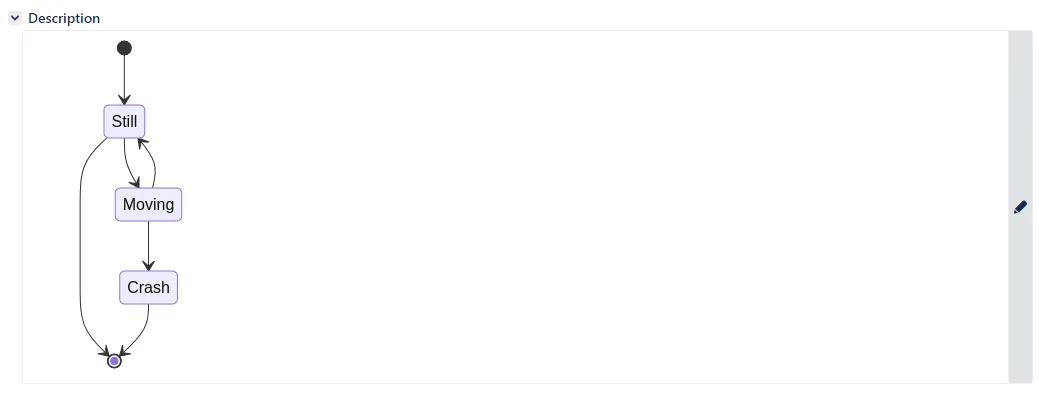
Entity Relationship diagram
Section titled “Entity Relationship diagram”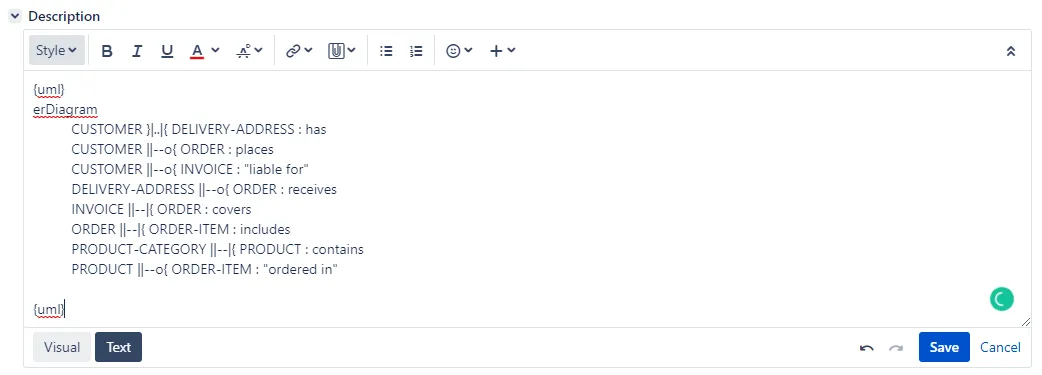
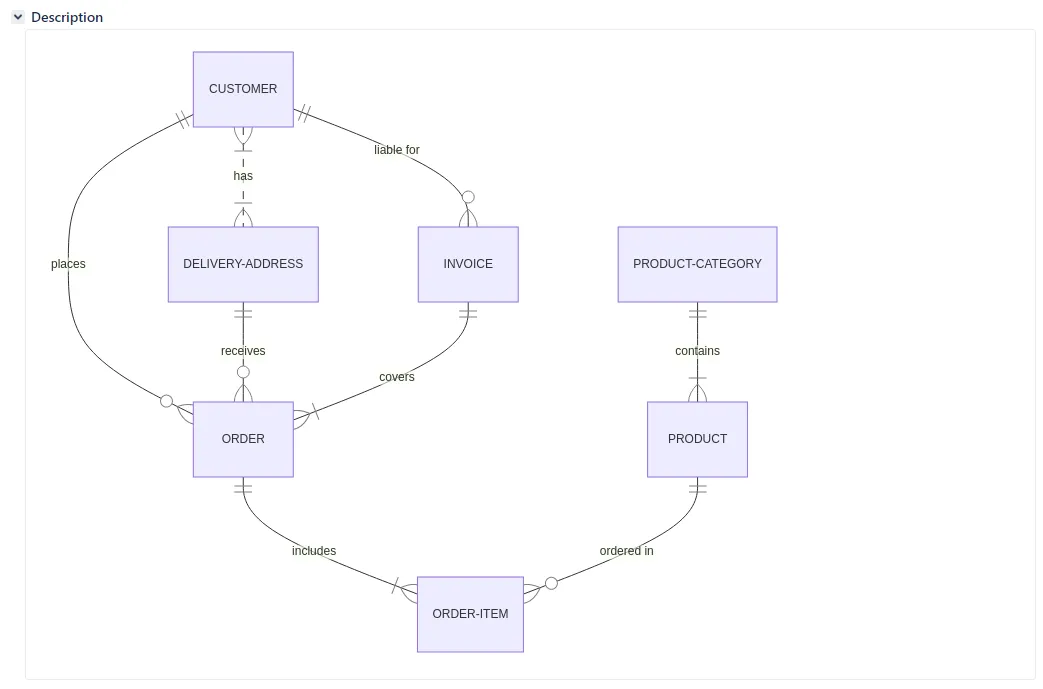
User Journey
Section titled “User Journey”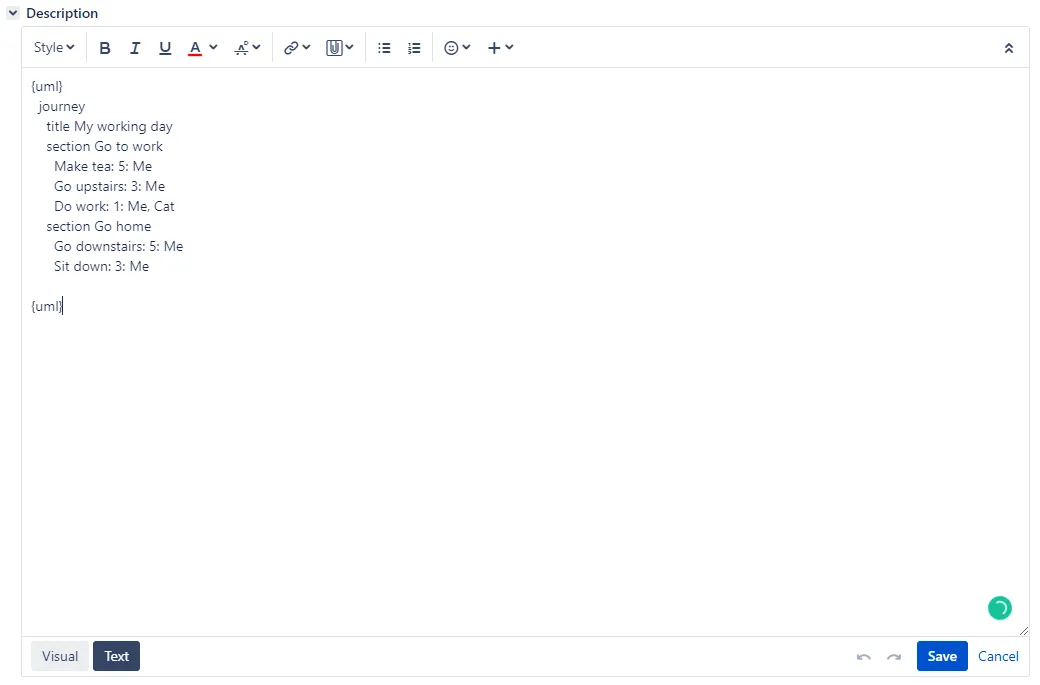
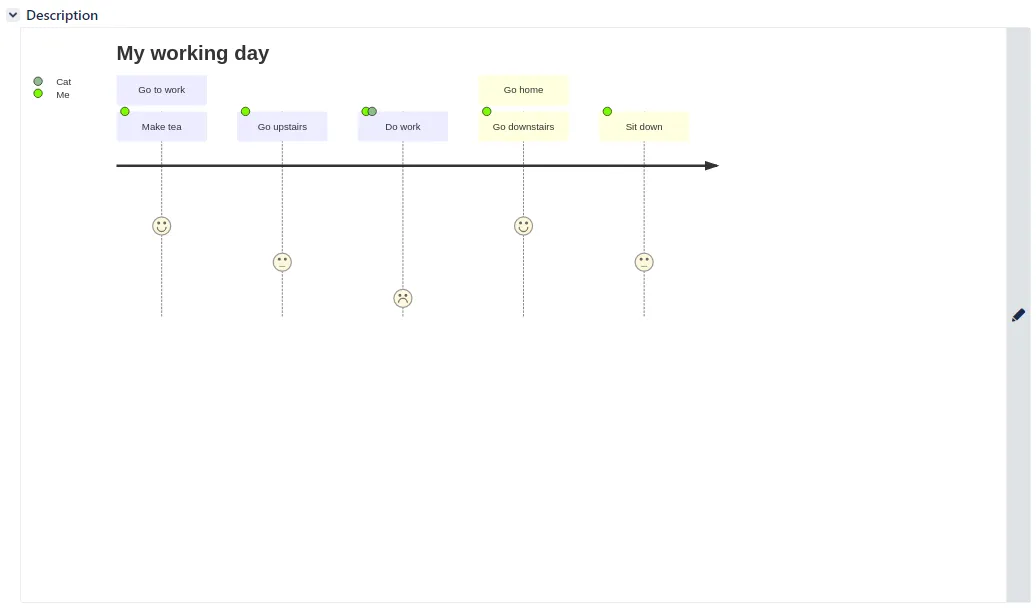
Gantt chart
Section titled “Gantt chart”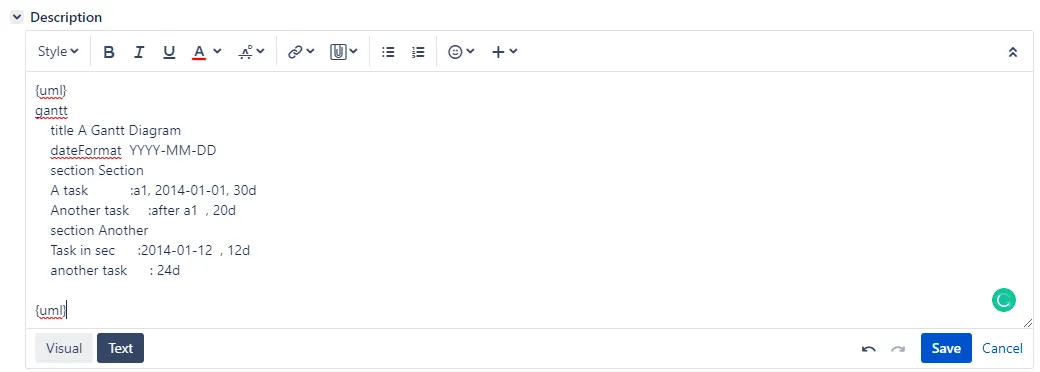
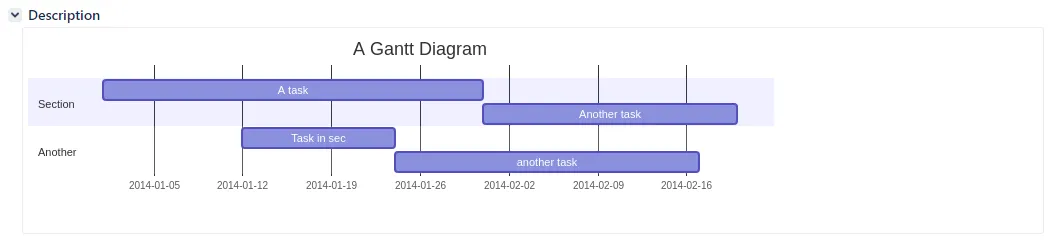
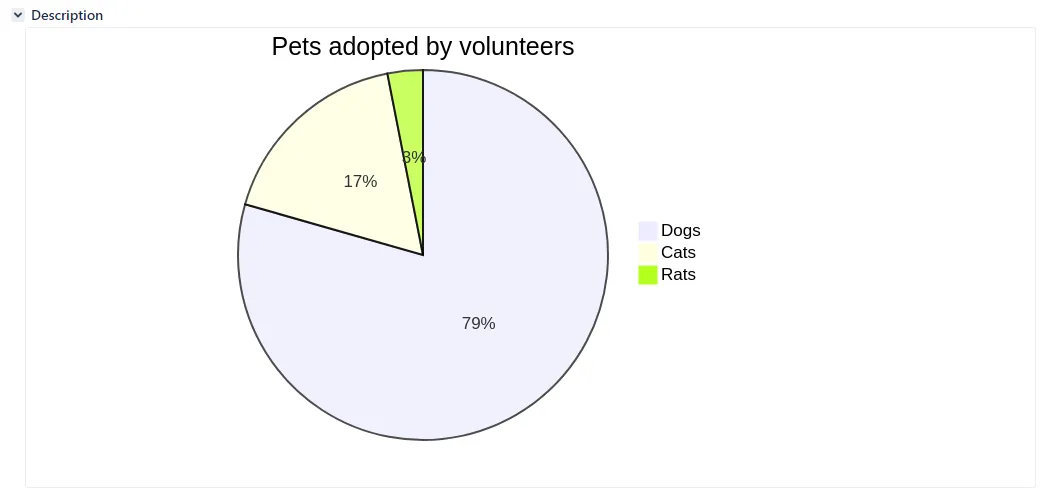
Pie chart
Section titled “Pie chart”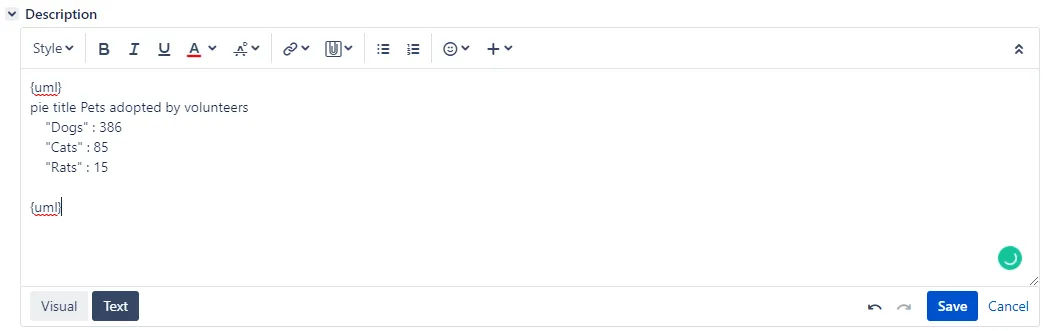
Graphviz
Section titled “Graphviz”