Tooltip
Use Better Pages Tooltip for a short definition or clarification that would interrupt the main sentence. New tooltips render as a compact information icon.
Add a Tooltip
Section titled “Add a Tooltip”- Insert Better Pages Tooltip next to the term or control it explains.
- Enter concise tooltip text.
- Save the macro and publish the page.
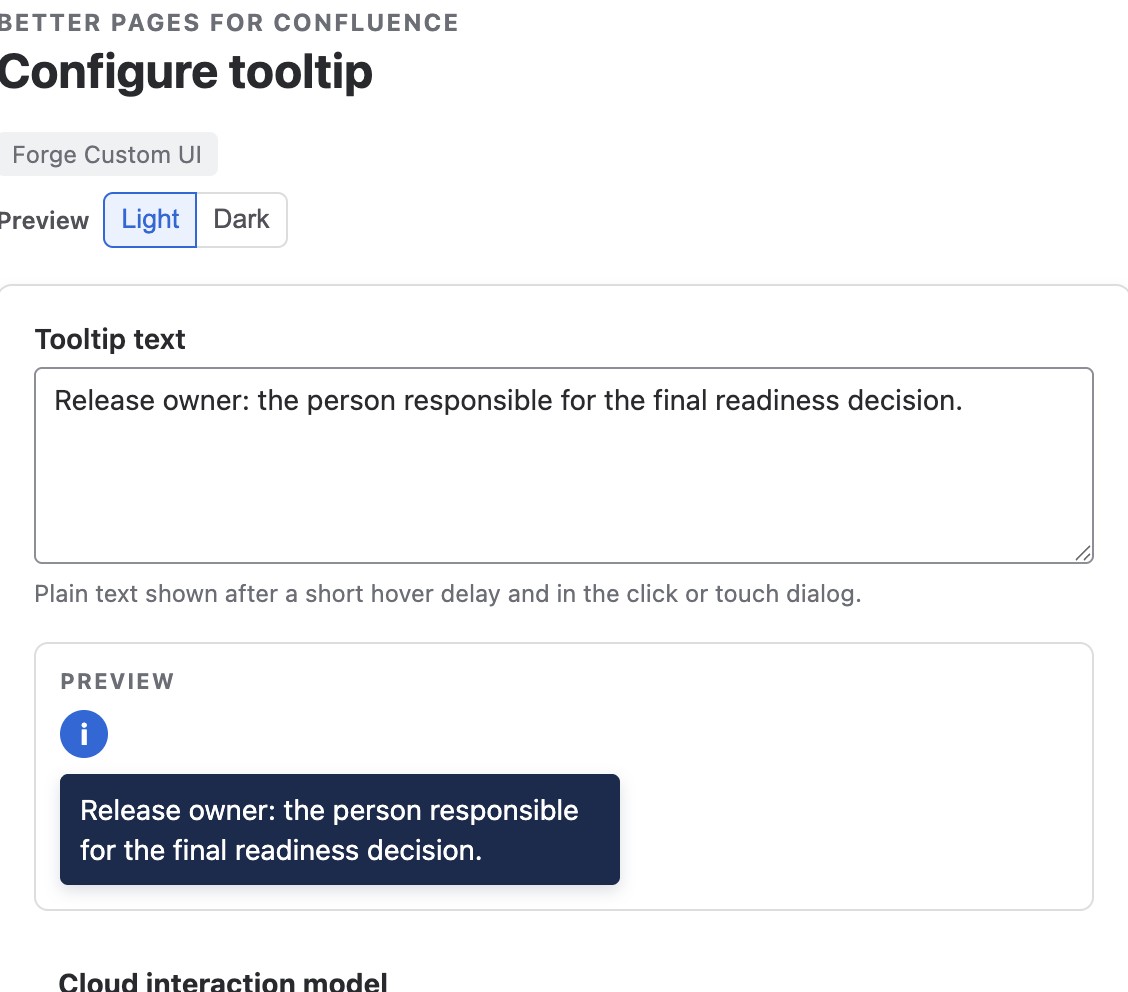
Enter the explanation as plain text. New tooltips supply their own information-icon trigger.
Reader interaction
Section titled “Reader interaction”Pointer users see the explanation after a short hover. Keyboard users receive the same behavior on focus. Clicking or tapping the icon opens the explanation in a Confluence-hosted dialog, making it usable on touch devices.
The tooltip does not target or modify another page element. Place it directly beside the content it explains.

Keyboard focus reveals the same saved explanation without opening the dialog. Keep any mandatory instruction in the surrounding page content.
Good practice
Section titled “Good practice”- Keep the explanation to one or two short sentences.
- Do not put mandatory instructions only in a tooltip.
- Use the surrounding text to identify the subject; avoid repeating it.
- Verify hover, focus, click, Escape, and focus return on the published page.