Build a product or project homepage
Outcome: A reader can identify the purpose, current state, owner, and next useful destination of a product or project.
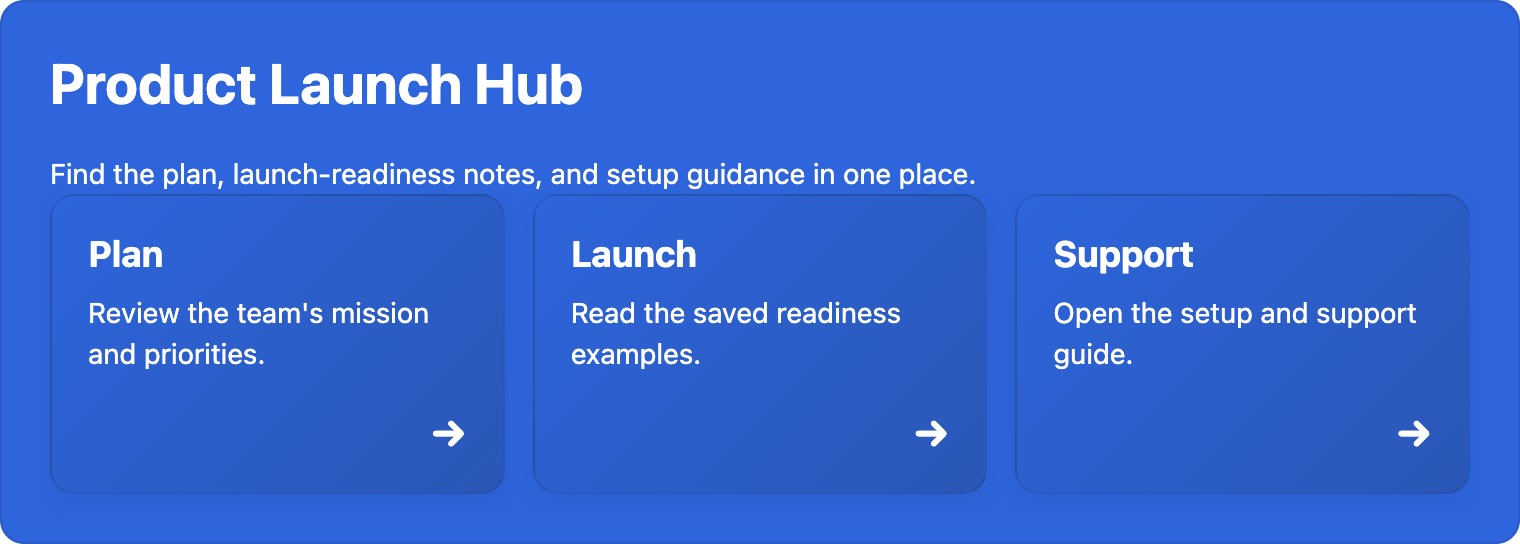
A finished Find your way section, built from a blank private draft and explicitly published on the development site. This illustrates the navigation part of a homepage, not the entire Product or service homepage template. Getting Started follows this same example.
Choose the shipped Product or service homepage template for a product, or Project brief for a bounded project. The Project status and Find your way Section Patterns can add a current update and a small navigation area. Use Advanced Cards only when descriptions help readers choose among destinations.
- In Apps → Better Pages home → Browse templates, preview the relevant template and create a private draft in the right space.
- Replace prompts with the audience, scope, owner, current status, and links to the plan, roadmap, decision log, and support. Give the status a date or next-update expectation in your own content.
- Select Continue designing. Add Project status if readers need an immediate state and action; add Find your way when there are several destinations. Preview and review in Composer.
- Save the draft, reopen it, verify the destinations and ownership, then publish.
Finished-page check: The status should be readable as text without relying on a colored indicator. Keep navigation labels specific, test every action by keyboard, and inspect the page at a narrow browser width.