Markdown Syntax
Overview
Section titled “Overview”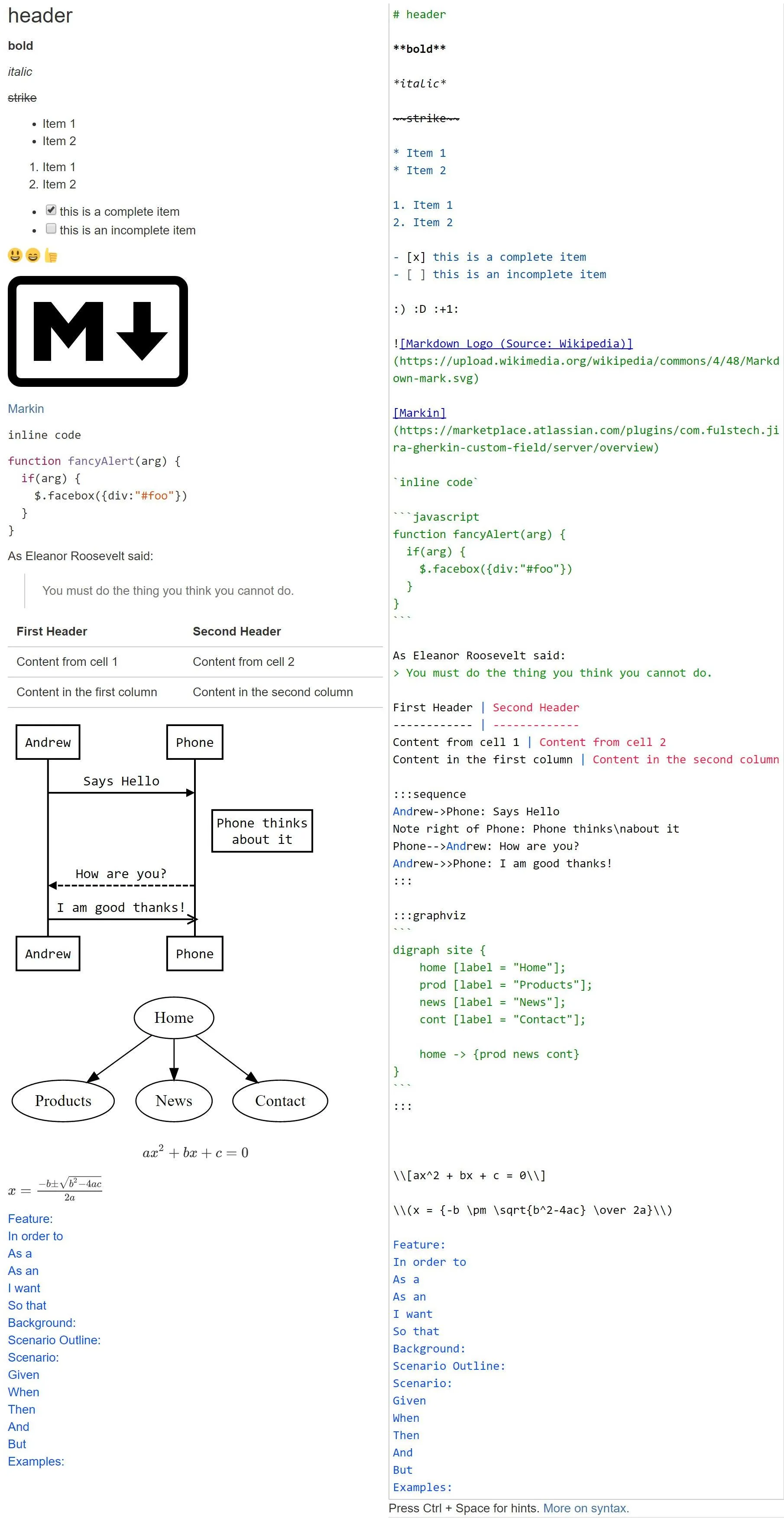
Autocompletion
Section titled “Autocompletion”You can get a list of all available syntax by pressing Ctrl + Space in the editor. A context menu with all available syntax will appear.
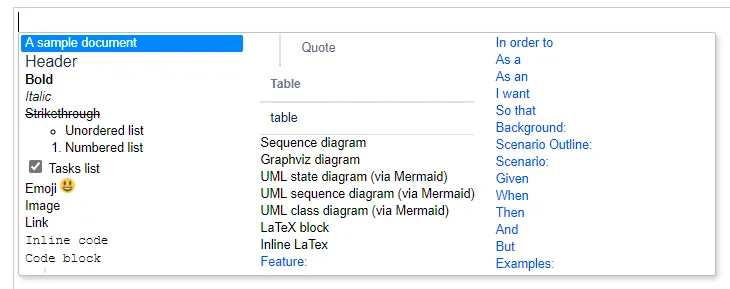
To move between items, use Up, Down, Left, Right keys. To select an item, click on it or press Enter. An example will be inserted.
LaTeX Math formulas
Section titled “LaTeX Math formulas”Block formulas
Section titled “Block formulas”\\[ax^2 + bx + c = 0\\]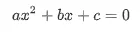
Inline formulas
Section titled “Inline formulas”\\(x = {-b \pm \sqrt{b^2-4ac} \over 2a}\\)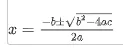
Sequence diagrams
Section titled “Sequence diagrams”Learn more about the syntax here: https://bramp.github.io/js-sequence-diagrams.
:::sequence```User->Phone: Says HelloNote right of Phone: Phone thinks\nabout itPhone->User: How are you?User->>Phone: I am good thanks!```:::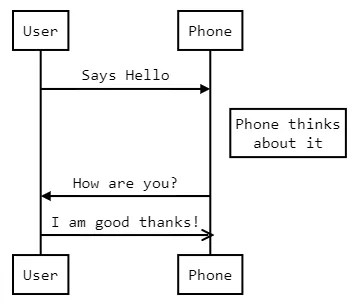
Graphviz diagrams
Section titled “Graphviz diagrams”Learn more about the syntax (Graphviz DOT) here: http://www.graphviz.org/.
:::graphviz```digraph site {    home [label = "Home"];    prod [label = "Products"];    news [label = "News"];    cont [label = "Contact"];
    home -> {prod news cont}}```:::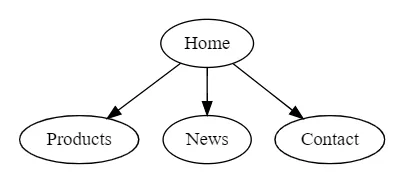
Mermaid UML diagrams
Section titled “Mermaid UML diagrams”Learn more about Mermaid UML diagrams here: https://mermaid-js.github.io/mermaid/#/.
Here we are just showing some examples.
State diagrams
Section titled “State diagrams”:::uml```stateDiagram [*] --> Still Still --> [*] Still --> Moving Moving --> Still Moving --> Crash Crash --> [*]```:::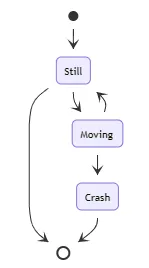
Sequence diagrams
Section titled “Sequence diagrams”:::uml```sequenceDiagram autonumber Alice->>John: Hello John, how are you? loop Healthcheck John->>John: Fight against hypochondria end Note right of John: Rational thoughts! John-->>Alice: Great! John->>Bob: How about you? Bob-->>John: Jolly good!```:::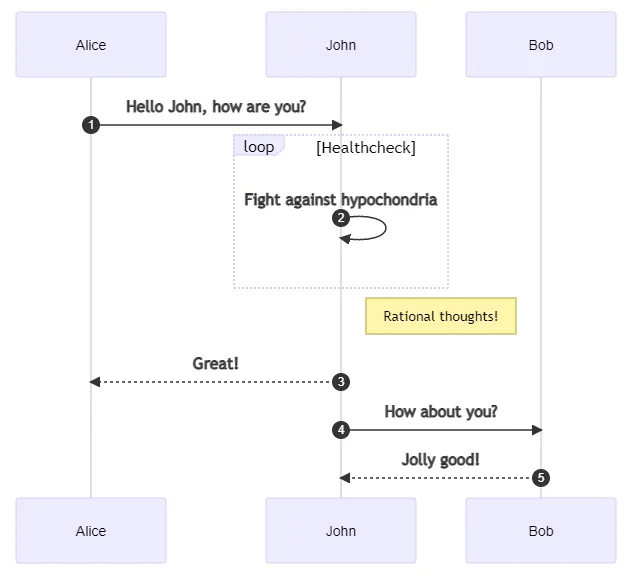
Class diagrams
Section titled “Class diagrams”:::uml```classDiagramClass01 <|-- AveryLongClass : CoolClass03 *-- Class04Class05 o-- Class06Class07 .. Class08Class09 --> C2 : Where am i?Class09 --* C3Class09 --|> Class07Class07 : equals()Class07 : Object[] elementDataClass01 : size()Class01 : int chimpClass01 : int gorillaClass08 <--> C2: Cool label```:::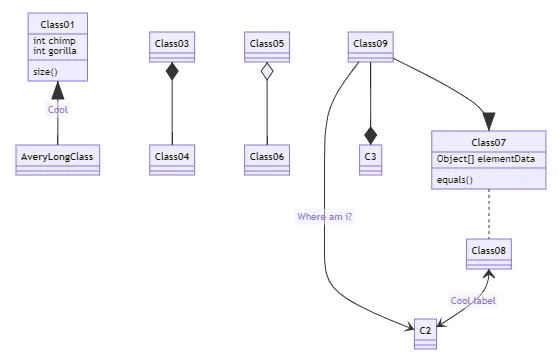
Markdown syntax
Section titled “Markdown syntax”Heading
Section titled “Heading”# The largest heading## The second largest heading###### The smallest heading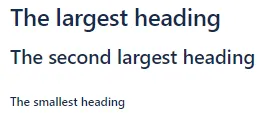
Styling text
Section titled “Styling text”**bold**
*italic*
~~Strikethrough~~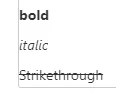
* Item 1* Item 2
1. Item 12. Item 2
Task lists
Section titled “Task lists”- [x] this is a complete item- [ ] this is an incomplete item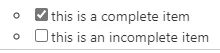
Using emoji
Section titled “Using emoji”:) :D
Mentioning people
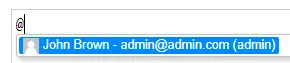
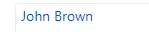
Section titled “Mentioning people”Type @ and select the user to be mentioned.
Inserting attachments as images
Section titled “Inserting attachments as images”Type @@ and select the attachment to be inserted.
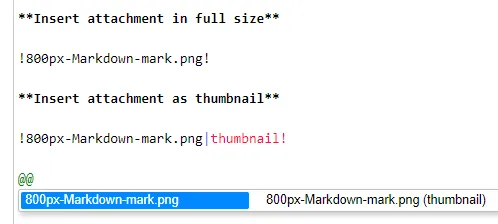
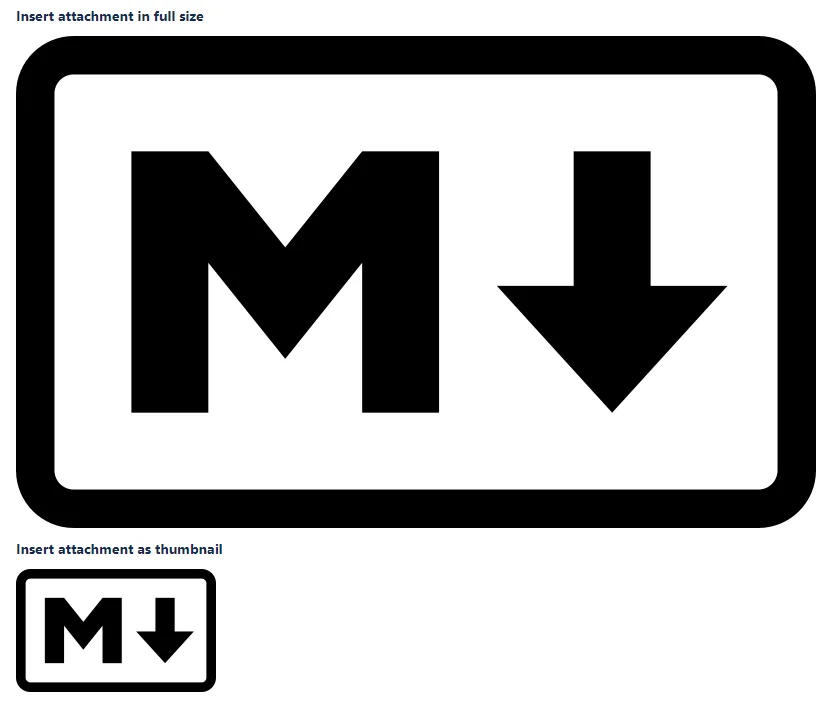
Images
Section titled “Images”
[Markin](https://marketplace.atlassian.com/plugins/com.fulstech.jira-gherkin-custom-field/server/overview)
Code snippets
Section titled “Code snippets”`inline code`
```javascriptfunction fancyAlert(arg) { if(arg) { $.facebox({div:"#foo"}) }}```
Quote blocks
Section titled “Quote blocks”As Eleanor Roosevelt said:> You must do the thing you think you cannot do.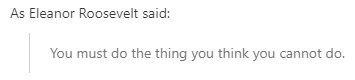
Tables
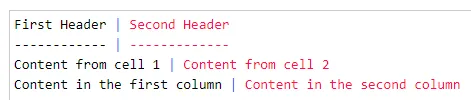
Section titled “Tables”| First Header | Second Header || - | - || Content from cell 1 | Content from cell 2 || Content in the first column | Content in the second column |
Gherkin syntax
Section titled “Gherkin syntax”Please enable the line-break option and the Gherkin syntax first before using this feature.


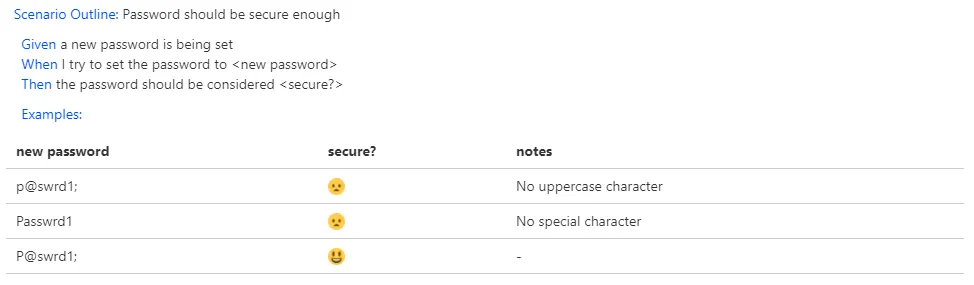
Scenario Outline: Password should be secure enough
Given a new password is being setWhen I try to set the password to <new password>Then the password should be considered <secure?>
Examples:| new password | secure? | notes                  || -            | -       | -                      || p@swrd1;     | :(      | No uppercase character || Passwrd1     | :(      | No special character   || P@swrdl;     | :)      | -                      |