Better Pages for Confluence
Better Pages Release 13 helps you build a complete Confluence Cloud page without assembling every element by hand. Start from Better Pages Home, choose a template or a private blank draft, and use Composer to arrange sections. Review the result before writing it, then Save draft or Publish when the page is ready for readers.
You can also improve a page you already have permission to edit. The familiar collection of 19 reader-facing Better Pages macros remains available when you only need one component.
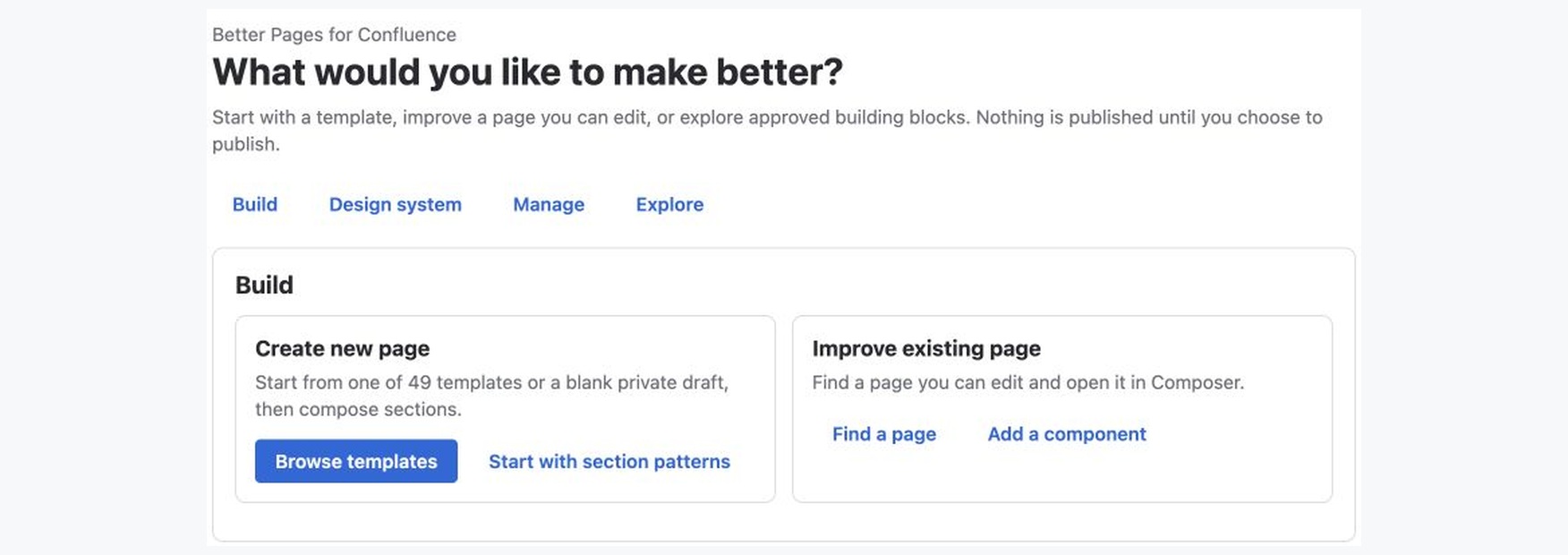
Better Pages Release 13 Home on a licensed development installation. The example screenshots in these guides use test content; your site’s spaces and branding will differ.
A page-building workflow
Section titled “A page-building workflow”| Stage | What you do | Result |
|---|---|---|
| Build | Choose a template, start a private blank draft, or find a page you can edit in Better Pages Home | A page and destination for your work |
| Design | Use Composer and Section Patterns to configure, preview, and stage content | A canvas you can review before any page write |
| Standardize | Apply administrator-published Brand Kits and Brand Styles | Consistent appearance copied into supported components |
| Manage | Use Space Manager for reviewed multi-page operations | A clearer space structure |
For a first useful result, follow Getting Started: create a private draft, add a Find your way section with links to the pages your team needs, save it, reopen it in Confluence, and publish only after checking the links. A template can provide the initial structure if you prefer not to start blank.
Already have a page in mind? Choose a Page Recipe for a team home, onboarding hub, product or project home, launch page, incident hub, documentation landing page, or research and technical page. Each recipe leads to the relevant feature guides.
Choose the right entry point
Section titled “Choose the right entry point”| Your job | Start here |
|---|---|
| Create a project home, resource hub, or status page | Better Pages Home → Continue designing → Composer |
| Improve an existing page | Find a page you can edit from Home, or open Composer from its published-page Better Pages byline |
| Add one visual or interactive element | Insert a component from the Macro Catalog in the normal Confluence editor |
| Apply approved visual choices | Ask an administrator to publish a Brand Kit or Brand Style, then choose it while authoring |
| Review changes across several pages | Use Space Manager and confirm its plan |
| Number a page outline | Use Numbered Headings |
Composer offers 12 guided Section Patterns, direct components, formatting for selected content, and supported native-block editing. Staging or previewing does not write the page. After you save or publish, generated content is still ordinary editable Confluence content and supported Better Pages macros—not a locked page image. Edit the page or reopen a macro’s configuration as your content changes.
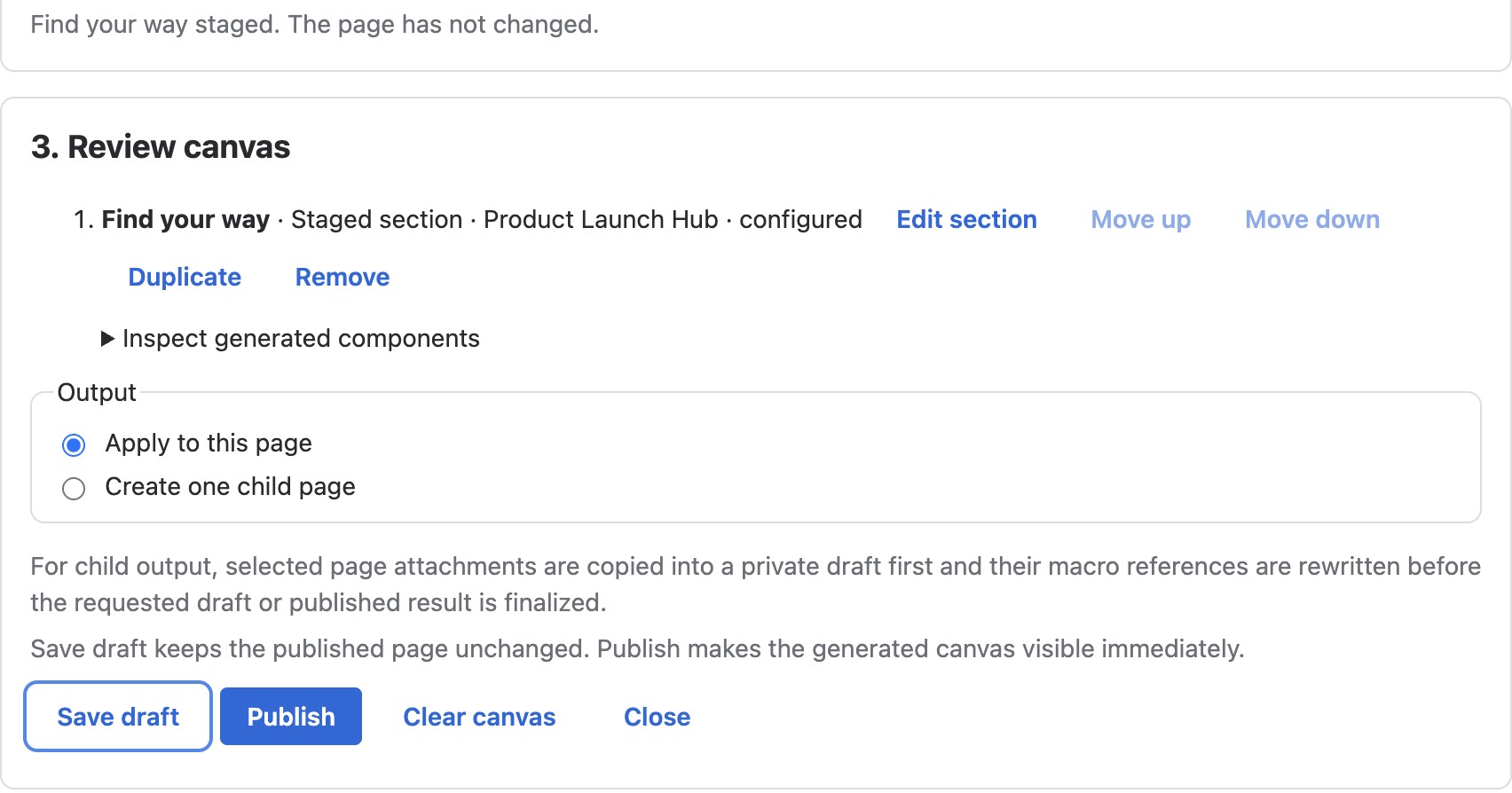
Review the section and output destination before choosing Save draft or Publish. Adding to the canvas alone does not write the page.
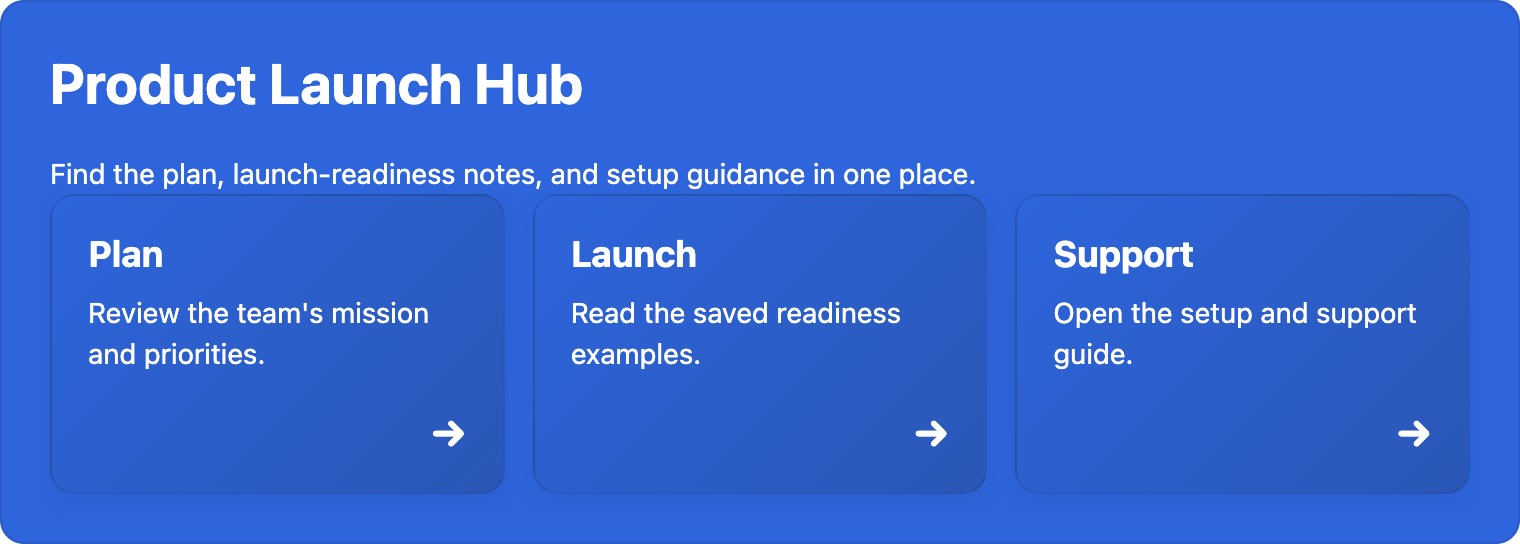
The same synthetic example after explicit publication on the development site. Follow Getting Started to build, save, reopen, and check your own version.
The 19 building blocks are still here
Section titled “The 19 building blocks are still here”Better Pages includes 19 reader-facing macros for layout, navigation, actions, messages, and technical content. For example, use Advanced Cards for a directory, Tabs for related detail, Alert for an important update, or LaTeX Builder for equations. Browse the Macro Catalog for all 19 and their individual guides. Existing macros remain editable in Confluence after upgrading to Release 13; you do not have to rebuild pages in Composer.
Better Pages follows the signed-in user’s Confluence page and space permissions. Rich-body macros use the Confluence editor for their content, while visual settings are configured in Better Pages. See Administration for site controls and Security and Privacy for the product-specific data explanation.
Availability and migration
Section titled “Availability and migration”Better Pages is a paid Marketplace app for Confluence Cloud. Installation, evaluation, subscription, and billing are managed through the Better Pages Marketplace listing. It does not automatically read or convert content owned by third-party Data Center apps; Data Center migration is not part of the current app experience.
For help or policy details, use the Fulstech support portal, the Better Pages Privacy Policy, and the End User License Agreement.
Review Known Limitations when planning migration or page operations, and Release Notes for verified changes.